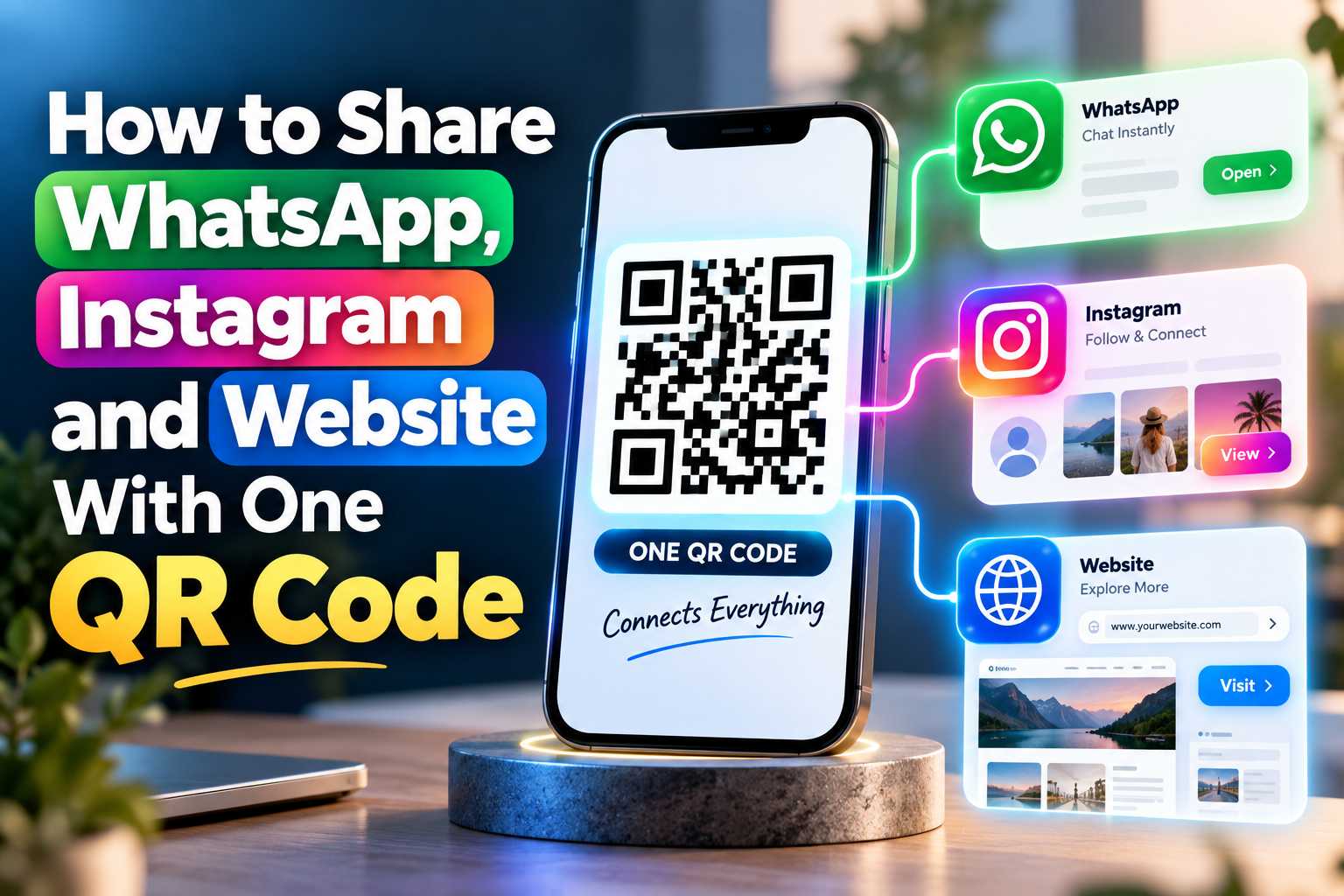
Want customers to reach your WhatsApp, Instagram and website without scanning multiple QR codes? A single smart QR code can connect people to all your important digital links through one simple mobile-friendly page. Learn how one QR code can simplify sharing, improve engagement and create a better digital networking experience.
Share All Your Important Business Links Using One QR Code
How to Share WhatsApp, Instagram and Website With One QR Code
Customers today interact with businesses through several digital channels. Some customers may prefer sending a message through WhatsApp, while others may want to follow the business on Instagram or visit the official website to learn more about products and services. Sharing every link separately can make printed and digital marketing materials look crowded and can make it difficult for customers to remember the correct information.
A single QR code provides a much simpler solution. Instead of connecting the QR code directly to only WhatsApp, Instagram or a website, businesses can connect it to a digital profile or smart landing page containing all their important links. Once customers scan the QR code using their smartphone camera, they can instantly choose the platform they want to visit.
This approach creates a central digital connection point for your business. One QR code can be displayed on a visiting card, shop counter, product package, restaurant table, brochure, poster or advertisement while still providing access to several online platforms.
What Can You Add to One QR Code?
A multi-link QR code can act as a digital gateway to your most important business information. Instead of asking customers to scan different codes or type different URLs, you can organize the links on one mobile-friendly page.
You can include important links such as:
- WhatsApp business chat
- Instagram business profile
- Official company website
- Google Business Profile
- Google review page
- Facebook page
- YouTube channel
- Online product catalogue
- Business location
- Phone number
- Email address
- Payment links
- Appointment booking page
The result is a cleaner and more professional experience. Customers only need to remember one action: scan the QR code.
Why One QR Code Is Better Than Multiple QR Codes
Using separate QR codes for WhatsApp, Instagram and your website can occupy unnecessary space and may confuse customers about which code they should scan first. A single QR code keeps the communication process simple while allowing customers to decide which platform they prefer.
It also creates a consistent digital identity because the same QR code can be used across several marketing materials. Businesses can therefore create a recognizable connection point that customers become familiar with over time.
How a Single QR Code Connects WhatsApp, Instagram and Your Website
How Does a Multi-Link QR Code Work?
The concept is simple. The QR code does not necessarily need to contain three different destinations directly. Instead, it can open one mobile-friendly digital page that contains buttons for WhatsApp, Instagram, your website and any additional links you want customers to access.
For example, when a customer scans the QR code, they may see options such as Chat on WhatsApp, Follow Us on Instagram, Visit Our Website, View Our Location or Leave a Google Review. The customer can then select the action that is most useful to them.
This reduces the number of steps required to connect with your business and gives customers more freedom in choosing their preferred communication channel.
WhatsApp Connection
WhatsApp is particularly useful for businesses that receive product enquiries, appointment requests, service questions or customer support messages. A WhatsApp button can take customers directly to a conversation instead of making them save a phone number manually.
Businesses can also use a predefined WhatsApp message where appropriate. For example, the customer may open WhatsApp with a message such as “Hello, I would like to know more about your services.” This makes initiating a conversation faster and easier.
Instagram Connection
Instagram is an important platform for businesses that use photos, videos, reels and visual content to engage potential customers. Adding an Instagram link allows customers who scan the QR code to quickly discover your profile and view your latest content.
This is especially useful for boutiques, restaurants, salons, photographers, designers, hotels, retailers and other businesses where visual content influences purchase decisions.
Website Connection
Your website normally contains more complete information about your business, including services, products, pricing, contact details, portfolios, blogs and enquiry forms. Adding your website to the same QR destination provides customers with an easy way to explore detailed information after scanning.
Combining WhatsApp, Instagram and your website therefore supports different stages of the customer journey—from discovering the business to researching it and finally contacting the business.
Where Businesses Can Use One QR Code for Multiple Connections
Places to Display Your Business QR Code
One of the biggest advantages of using one QR code for multiple connections is that the same code can be placed across both offline and online marketing channels. Customers can scan it whenever they encounter your brand and immediately access the digital contact options you provide.
Businesses can display the QR code in several places, including physical stores, reception desks, counters, restaurant tables, packaging, visiting cards, flyers, banners, invoices and event materials. The important point is to position the QR code where customers naturally have a reason to interact with the business.
Bullet Points
- Business cards and digital visiting cards
- Product packaging and labels
- Restaurant menus and table displays
- Retail billing counters
- Posters and promotional banners
- Flyers and brochures
- Exhibition stalls
- Office reception areas
- Product catalogues
- Delivery packages
- Hotel reception desks
- Salon mirrors or counters
- Clinic reception areas
- Email signatures
- Presentation materials
Use One Consistent QR Code Across Marketing Materials
Consistency can make QR marketing easier to manage. Instead of creating a different code for every individual campaign, businesses can use a central QR code that directs customers to the latest collection of important links.
This is particularly useful when a business uses many offline materials. A customer receiving your business card can scan the same QR code that appears on your shop counter or promotional brochure, creating a familiar and consistent experience.
If your QR solution allows the destination links to be updated without replacing the printed QR code, businesses may also be able to change their digital destinations later while keeping existing physical marketing materials in use.Heading 2
Best Places to Display Your Business QR Code
One of the biggest advantages of using one QR code for multiple connections is that the same code can be placed across both offline and online marketing channels. Customers can scan it whenever they encounter your brand and immediately access the digital contact options you provide.
Businesses can display the QR code in several places, including physical stores, reception desks, counters, restaurant tables, packaging, visiting cards, flyers, banners, invoices and event materials. The important point is to position the QR code where customers naturally have a reason to interact with the business.
Bullet Points
- Business cards and digital visiting cards
- Product packaging and labels
- Restaurant menus and table displays
- Retail billing counters
- Posters and promotional banners
- Flyers and brochures
- Exhibition stalls
- Office reception areas
- Product catalogues
- Delivery packages
- Hotel reception desks
- Salon mirrors or counters
- Clinic reception areas
- Email signatures
- Presentation materials
Use One Consistent QR Code Across Marketing Materials
Consistency can make QR marketing easier to manage. Instead of creating a different code for every individual campaign, businesses can use a central QR code that directs customers to the latest collection of important links.
This is particularly useful when a business uses many offline materials. A customer receiving your business card can scan the same QR code that appears on your shop counter or promotional brochure, creating a familiar and consistent experience.
If your QR solution allows the destination links to be updated without replacing the printed QR code, businesses may also be able to change their digital destinations later while keeping existing physical marketing materials in use.
Business Benefits of Using One QR Code
Why Businesses Should Combine Multiple Links Into One QR Experience
A well-designed QR experience is not only convenient for customers; it can also help businesses improve their digital communication strategy. Every unnecessary step between discovering a business and contacting it can reduce customer engagement. A single QR code minimizes those steps.
Instead of telling customers to search for a business name on Instagram, type a website address or manually save a WhatsApp number, businesses can provide an immediate connection through one scan.
Faster Customer Communication
Customers can move directly from offline marketing material to digital communication. Someone seeing your poster can scan the code and immediately open WhatsApp to ask a question. Another customer may prefer viewing your Instagram portfolio before contacting you.
Providing multiple options helps customers interact with your business using the channel they already prefer.
Cleaner Marketing Design
Posters, brochures and business cards have limited design space. Adding several long URLs, usernames and QR codes can make the design look crowded. One well-positioned QR code keeps the layout cleaner while still providing several digital destinations.
Businesses can simply add a short call to action such as Scan to Connect, Scan to Contact Us, or Scan to Explore Our Business.
Better Mobile Experience
Most customers scanning QR codes are already using smartphones. A mobile-friendly link page can therefore provide a natural transition from printed media to digital interaction.
Buttons should be clearly visible, simple to understand and easy to tap. Important actions such as WhatsApp, website visits and Instagram should appear prominently so customers can reach them without unnecessary navigation.
Useful for Local Businesses
Local businesses can particularly benefit from QR-based connections because customers frequently discover them through both physical locations and local online searches. Restaurants, salons, clinics, retail stores, photographers, service businesses, hotels and professionals can use one QR code to connect their offline customers with their online presence.
For example, a customer visiting a store in Pondicherry, Chennai, Bangalore or another city could scan the business QR code and immediately access its WhatsApp chat, Instagram page, website and location information.
How to Create an Effective QR Code for Your Business
Steps to Create One QR Code for WhatsApp, Instagram and Website
Creating an effective multi-link QR code begins with identifying the most important actions you want customers to take. For most businesses, these actions include contacting the business, learning about products or services and following the brand online.
The links should then be organized on a clean digital page so customers can understand each option immediately after scanning.
Bullet Points
- Add your business name and logo.
- Add your WhatsApp business number.
- Add your Instagram profile link.
- Add your official website URL.
- Include additional useful links such as Google Reviews or Maps when required.
- Generate one QR code connected to the digital page.
- Test the QR code using different mobile devices.
- Place the QR code on your marketing materials.
- Add a clear call to action near the code.
- Keep the destination information updated.
Important QR Code Best Practices
Before publishing a QR code, always test it from the same type of material customers will use. A QR code that works perfectly on a computer screen may become difficult to scan if it is printed too small or placed on a low-contrast background.
Leave sufficient empty space around the QR code, avoid unnecessary visual elements covering the code and make sure there is enough contrast between the code and background. For outdoor banners or larger advertising materials, test the QR code from an appropriate viewing distance.
It is also helpful to provide context. Instead of displaying a QR code alone, add a message such as Scan to WhatsApp, Follow Us & Visit Our Website so customers immediately understand what they will receive after scanning.
One Scan Can Become the Starting Point for Customer Engagement
A QR code should not be considered only as a shortcut to a website. When designed properly, it can become a central connection point between your physical and digital business presence.
Customers may discover your business from a poster, visiting card, restaurant table, product package or store counter. With one scan, they can continue that interaction digitally through WhatsApp, Instagram, your website or another relevant channel.
For businesses using a digital business card platform such as VCRDS, bringing several important business connections together can make sharing simpler and provide customers with one convenient place to interact with the brand.