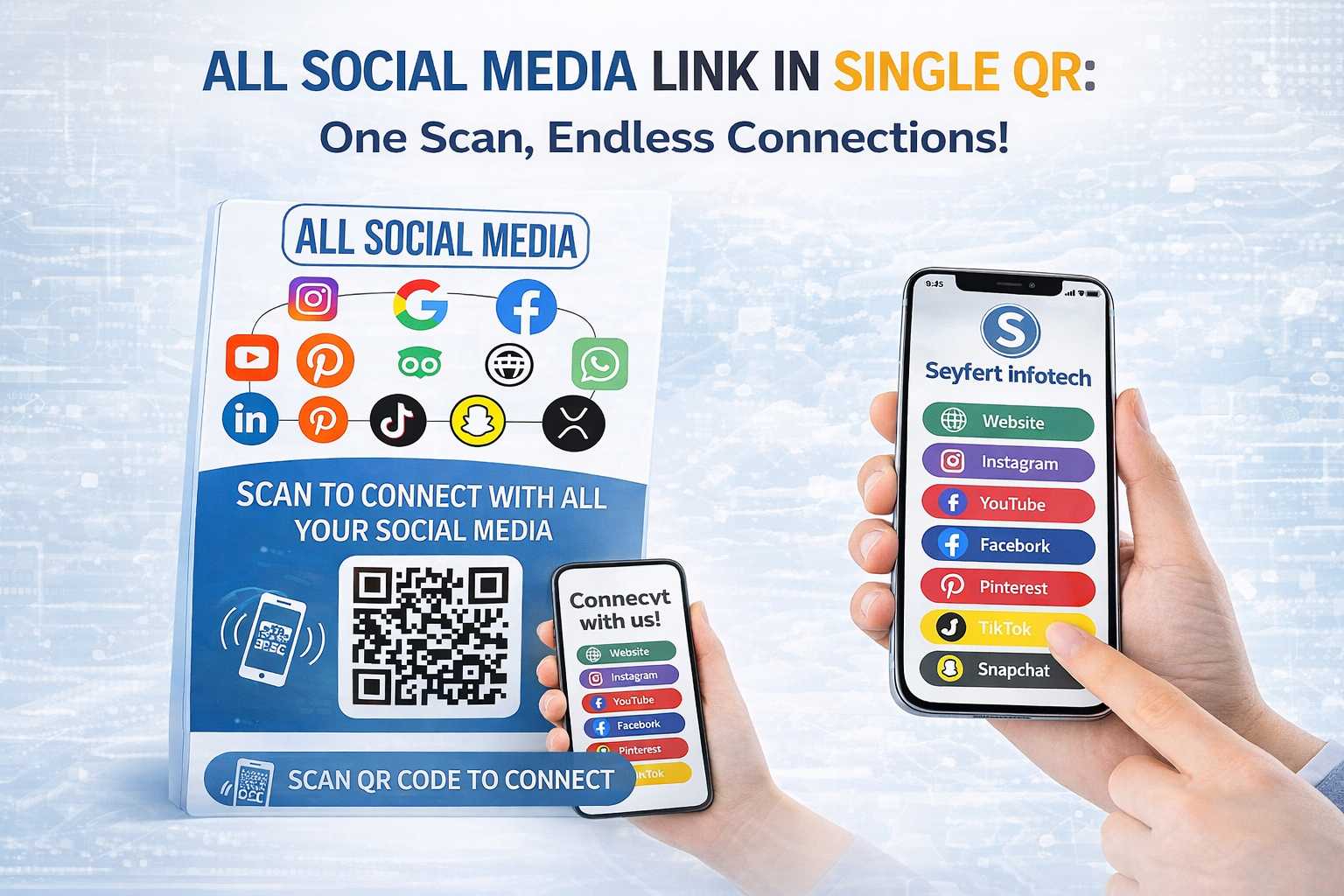
Learn how to share all your social media links using one QR code. See how VCRDS digital business cards help professionals connect, grow their network, and manage multiple social platforms from a single profile.
Introduction
In today’s digital world, professionals and businesses manage multiple social media platforms such as Instagram, LinkedIn, Facebook, YouTube, and WhatsApp. Sharing each link separately can be time-consuming and inconvenient. A smarter solution is using one QR code that connects to all your social media profiles. With a single scan, people can instantly access all your important links from one page.
What is a Social Media QR Code?
A social media QR code is a scannable code that directs users to a landing page containing all your social media links. Instead of generating different QR codes for each platform, this single code acts as a gateway to your complete online presence. When someone scans the code using their smartphone, they can view and choose any of your social profiles in one place.
How It Works
The process is simple and very effective for networking and marketing.
- Create a digital profile that includes all your social media links.
- Generate a QR code connected to that profile.
- Share the QR code on business cards, websites, presentations, or marketing materials.
- When someone scans the QR code, they see a page with all your social platforms.
This method allows businesses to share multiple links without overwhelming users.
Benefits of Using VCRDS for All Social Media
Using a single QR code (VCRDS) for all your social media platforms offers several advantages. First, it simplifies sharing. Instead of sending multiple links, you only need one code. Second, it improves branding and professionalism, as clients can view all your online platforms in one organized profile. Third, it makes networking faster because users can instantly connect with you on their preferred platform.Another important benefit is easy updates. If you add a new social media platform or change a link, you can update it without creating a new QR code.
Using VCRDS to Share All Social Media Links
One of the easiest ways to share multiple social media links through a single QR code is by using VCRDS digital business cards. VCRDS allows users to create a digital profile where they can add all their social media platforms, contact details, website links, and business information in one place.
Once the profile is created, VCRDS generates a unique QR code that connects directly to your digital card. Anyone who scans the QR code can instantly view and access all your social media accounts. This makes VCRDS an excellent tool for entrepreneurs, freelancers, and businesses that want to improve their online visibility and networking.
Conclusion
Sharing multiple social media links no longer needs to be complicated. With a single QR code, you can provide access to all your social platforms in one simple step. Tools like VCRDS digital business cards make the process even easier by combining QR technology with a professional digital profile. For businesses and professionals looking to simplify networking and strengthen their online presence, using one QR code for all social media links is a smart and effective solution.