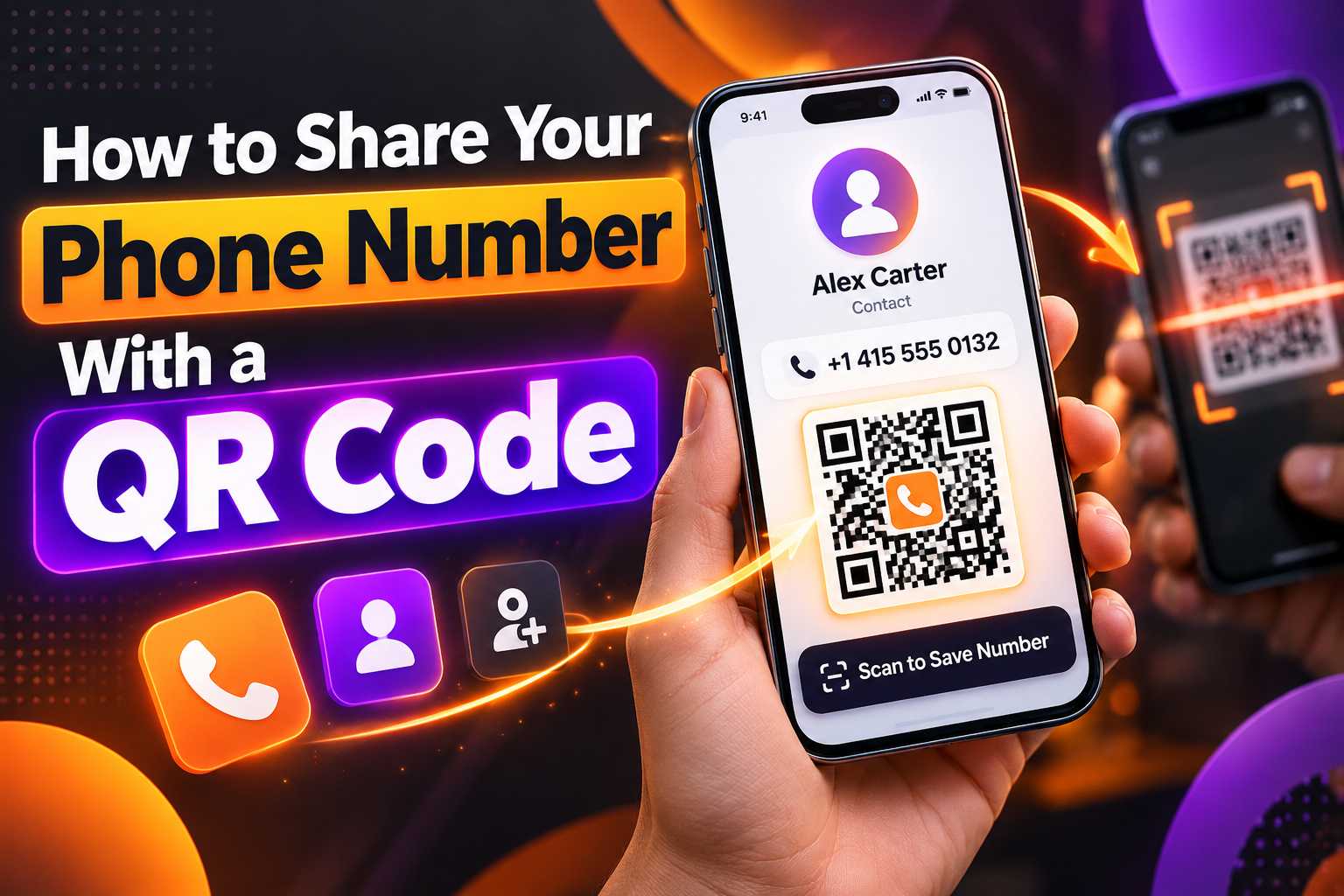
Sharing a phone number no longer has to depend on manually typing digits, saving contacts or exchanging printed visiting cards. A phone number QR code allows people to scan once and quickly access your contact information from their smartphone. It can be especially useful for business owners, freelancers, sales professionals, consultants and local businesses that want to make customer communication easier.
A QR code can connect users to a phone number, digital business card, WhatsApp contact or complete business profile depending on how it is configured. By adding the QR code to visiting cards, posters, shop counters, brochures, packaging or marketing materials, businesses can provide customers with a faster way to call, save contact details or explore additional information.
What Is a Phone Number QR Code?
How to Share Your Phone Number With a QR Code
A phone number QR code is a scannable code that helps people access your telephone contact information without manually entering the number. When someone scans the code using a smartphone camera or compatible QR scanner, the device can display the phone number or open an appropriate contact action depending on how the QR code has been created.
This can reduce mistakes caused by manually typing long mobile numbers and makes sharing contact details much faster. Instead of asking a customer to save your number from a poster, brochure or business card, you can let them scan the QR code and access the contact information directly.
For businesses, a QR code can become an important connection between offline marketing and digital communication. A customer who sees your advertisement in a physical location can immediately move from viewing the promotion to contacting the business.
How Does a Phone Number QR Code Work?
A QR code contains encoded information that a smartphone can read. When the code is connected to a phone number, digital contact page or business profile, scanning it can direct the user to the relevant contact action.
The experience can vary depending on the type of QR code used. A simple QR code may contain only a phone number, while a smart digital business card QR code can provide multiple options such as calling, WhatsApp messaging, visiting a website, viewing social media profiles or saving contact details.
Points
A phone number QR code can be used to:
- Display a business phone number
- Start a phone call
- Open a digital contact profile
- Connect customers to WhatsApp
- Help users save business details
- Open a digital business card
- Provide additional website and social links
Why Use a QR Code Instead of Sharing the Number Manually?
Manually entering phone numbers can be inconvenient, particularly when customers are viewing a poster, shop board, advertisement or printed brochure. Even a small typing error can prevent them from contacting the correct business.
A QR code simplifies the process by reducing the amount of information the user needs to type. The customer can scan the code, verify the contact information and continue with the required action.
Step 1: Decide What Should Happen After Scanning
Before creating the QR code, decide what you want users to do after they scan it. If your main goal is receiving phone calls, you can create a QR code that connects directly to your phone number.
However, businesses may benefit from providing more than one option. Instead of connecting only to a call action, you can connect the QR code to a digital profile containing your phone number, WhatsApp, website, location and other business information.
The best option depends on the type of interaction you want customers to have.
Step 2: Enter the Correct Phone Number
Enter the phone number exactly as customers should use it. For businesses serving customers from different regions or countries, adding the correct country code can make the contact information easier to use.
For example, an Indian business may use the +91 country code before the mobile number when creating contact information intended for broader digital sharing.
Always verify the number carefully before creating or printing the QR code.
Step 3: Generate the QR Code
Use a QR code or digital business card platform to generate the code. Depending on the platform, you may be able to create a simple phone QR code or a more advanced business QR code connected to a complete digital profile.
After generating the code, download it in a suitable image format and keep a high-quality version for printing.
Always Test the QR Code Before Publishing
Testing is one of the most important steps. Scan the QR code using different smartphones whenever possible and confirm that the correct number or contact page appears.
If you plan to print hundreds of cards, brochures or labels, test a sample print first. A QR code that looks correct on a computer screen may become difficult to scan if it is printed too small or with poor contrast.
1. Direct Call QR Code
A direct call QR code is useful when the main objective is to encourage customers to call immediately. After scanning, the smartphone can present the phone number and allow the user to continue with the call.
This approach works well for businesses where customers often need immediate assistance, such as service providers, repair businesses, emergency support numbers, sales teams and booking enquiries.
2. Contact Card QR Code
Instead of providing only a phone number, a contact card QR code can include additional details such as a name, company, email address and website.
This is useful for professionals who want customers or networking contacts to save more complete information.
Points
A contact QR profile can include:
- Name
- Company name
- Job title
- Phone number
- Mobile number
- Email
- Website
- Business address
3. WhatsApp QR Code
Some businesses prefer customers to contact them through WhatsApp instead of a normal phone call. A WhatsApp QR code can make this process easier by taking the customer directly to a WhatsApp conversation.
This can be useful for product enquiries, appointment requests, service bookings, price enquiries and customer support.
4. Digital Business Card QR Code
A digital business card provides a more complete experience. Instead of connecting the QR code to only one action, the customer can access several communication options from one digital profile.
For example, the digital card may contain:
- Call button
- WhatsApp button
- Email
- Website
- Instagram
- Facebook
- LinkedIn
- Google Maps
- Product catalogue
- Business information
For businesses, this can be more useful than using a QR code that contains only a phone number.
Best Places to Display Your Contact QR Code
A phone number QR code is most useful when it is placed where customers already have a reason to contact the business. Instead of making people search online or manually copy the number, the QR code provides a direct path to communication.
The same QR code can be used across several offline and digital marketing materials.
Points
You can place your QR code on:
- Business cards
- Visiting cards
- Shop counters
- Office reception desks
- Product packaging
- Brochures
- Flyers
- Posters
- Banners
- Restaurant menus
- Exhibition stalls
- Product catalogues
- Invoices
- Service vehicles
- ID cards
- Event materials
- Printed advertisements
Add a Clear Message Near the QR Code
A QR code without any explanation may not encourage people to scan it. Add a short call to action that tells customers exactly what the code is for.
Suitable examples include:
- Scan to Call Us
- Scan to Save Our Number
- Scan to Contact Us
- Scan to Connect
- Scan for Business Details
- Scan to WhatsApp Us
A clear call to action improves the customer experience because users know what will happen before they scan.
Faster Contact Sharing
One of the main benefits of a phone number QR code is speed. Customers do not have to manually type the number, search for the business online or copy contact information from printed material.
A quick scan can provide immediate access to the contact details.
Reduce Phone Number Entry Errors
Phone numbers are easy to mistype, especially when they contain many digits or international country codes. A QR code can reduce this problem by allowing users to access the correct number directly from the encoded information.
Businesses should still verify the QR code carefully before distributing it.
Create Cleaner Marketing Materials
Displaying a large phone number may still be useful, but combining it with a QR code can make brochures, cards and posters easier to use.
A business can keep essential information visible while giving customers a convenient digital action.
For example, a poster can contain the company name, key message, phone number and a QR code labelled Scan to Contact Us.
Connect Offline Customers to Digital Channels
A QR code can transform a physical marketing item into a digital entry point. Someone who sees your business card, product packaging or poster can immediately move to a phone call, WhatsApp conversation or digital business profile.
This helps bridge the gap between offline advertising and online customer engagement.
How Different Businesses Can Use Contact QR Codes
Phone number QR codes can be useful across many industries. The best implementation depends on the type of communication customers normally require.
Points
Retail Stores:
Allow customers to quickly call or WhatsApp the shop about stock availability, pricing or product enquiries.
Restaurants:
Use QR codes for reservations, takeaway enquiries or customer support.
Hotels and Homestays:
Provide quick access to reception, booking enquiries or property contact information.
Clinics:
Help patients access appointment contact numbers without manually entering them.
Real Estate Professionals:
Connect property advertisements directly with the responsible agent.
Freelancers and Consultants:
Share professional contact information at meetings, exhibitions and networking events.
Repair and Service Businesses:
Place a QR code on vehicles, invoices or service materials so customers can contact the company easily.
Salons and Beauty Businesses:
Use QR codes for appointment enquiries and customer communication.
Why a Multi-Link QR Code May Be Better for Businesses
If your only objective is receiving calls, a direct phone QR code may be sufficient. However, many customers prefer different contact methods.
One person may want to call, another may prefer WhatsApp and another may want to visit your website first.
A multi-link QR code or digital business card can provide these options from one scan, helping the customer choose the communication channel that works best for them.
Make Your QR Code Easy to Scan
The technical design of the QR code matters. If it is too small, blurry or placed on a background with poor contrast, customers may struggle to scan it.
Always maintain enough clear space around the QR code and avoid covering important sections with graphics, text or decorative elements.
Use High-Quality QR Code Files
For printed materials, use a high-resolution QR code so the edges remain sharp. Low-resolution screenshots can become blurry when resized, especially on large posters and banners.
Keep the original high-quality QR file available for future marketing materials.
Do Not Place QR Codes in Difficult Locations
Place the QR code where customers can comfortably point their smartphone camera at it. Avoid areas with strong glare, extreme curvature or constant movement.
For example, a QR code on a flat counter display is generally easier to scan than one placed on a reflective or heavily curved surface.
Keep Your Contact Information Current
A QR code is only useful when the information behind it remains accurate. If your business number changes, make sure the QR destination is updated where possible.
For businesses that expect information to change frequently, a digital profile or editable QR solution may be more practical than a permanently fixed static code.