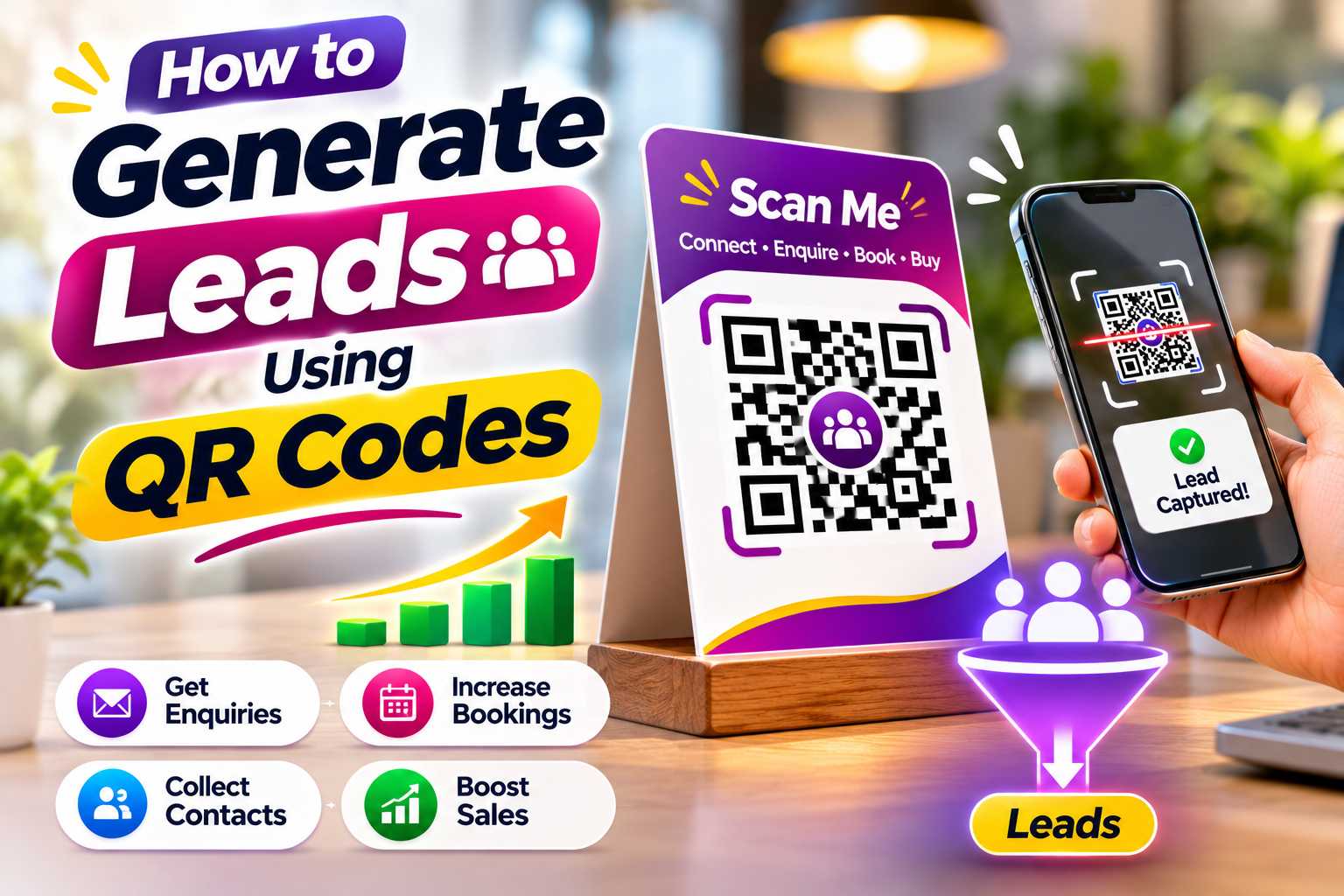
QR codes can be powerful lead-generation tools when they connect interested customers directly to WhatsApp, enquiry forms, appointment booking pages, digital business cards, product catalogues or other useful business actions. Instead of asking people to manually search for your company, save a phone number or type a website address, one simple scan can move them from offline interest to an online enquiry.
Small businesses can use QR codes on visiting cards, posters, brochures, product packaging, shop counters, exhibition stalls and advertisements to generate potential customers. The key is to connect each QR code to a clear next step and make the mobile experience fast and simple. This guide explains how to generate leads using QR codes, which destinations work best, where to place them and how to improve QR scan-to-enquiry conversions.
How to Generate Leads Using QR Codes
Lead generation is the process of turning interested people into potential customers who can be contacted by a business. A lead may come from a WhatsApp message, phone call, enquiry form, appointment request, quotation request or another direct customer action.
QR codes make this process easier by connecting offline customer interest with online communication channels. A potential customer may notice your business on a poster, brochure, visiting card, product package or shop display. Instead of searching for your company manually, the customer can scan a QR code and immediately reach the correct destination.
The QR code itself does not automatically generate a lead. The real value comes from the experience after scanning. Businesses should therefore connect QR codes to pages and actions that make it easy for interested customers to continue the conversation.
What Makes a QR Code Useful for Lead Generation?
A lead-generation QR code should have a clear purpose. Customers should understand what they will receive or what action they can take after scanning.
A QR code connected only to a generic homepage may not always provide a clear next step. A more focused destination can help guide the customer toward contacting the business.
Points
A QR code can connect customers to:
WhatsApp enquiries
Contact forms
Quote requests
Callback requests
Appointment booking
Free consultation forms
Product enquiries
Digital business cards
Multi-link business profiles
Product catalogues
Demo requests
Event registrations
Newsletter signup
Service enquiry pages
Match the QR Code With Customer Intent
The QR destination should match where the customer sees the code.
For example, a QR code on a product advertisement can open a WhatsApp product enquiry. A QR code at an exhibition can open a digital business card or demo request form. A salon poster could direct customers to appointment booking.
When the QR destination matches customer intent, people can move from interest to enquiry with fewer unnecessary steps.
1. WhatsApp QR Codes for Direct Enquiries
WhatsApp can be one of the simplest ways for businesses to generate conversational leads. A customer can scan the QR code and start a WhatsApp conversation without manually saving the business number.
This can work especially well for businesses where customers usually ask questions before making a purchase or booking a service.
Points
WhatsApp QR codes can help generate:
Product enquiries
Pricing enquiries
Service requests
Appointment questions
Availability enquiries
Quote requests
Booking enquiries
Customer support conversations
Use a Pre-Filled WhatsApp Message
A pre-filled message can make starting an enquiry easier.
Instead of opening an empty conversation, the customer could see a message such as:
“Hi, I would like to know more about your services.”
For a specific product campaign, the message could mention the product name or campaign. This can also help the business understand which promotion generated the enquiry.
Collect Customer Information Through a Simple Form
Businesses that need structured customer information can connect QR codes to lead capture forms.
When customers scan the code, they can provide basic information that helps the business understand their requirement and follow up later.
The form should remain short and mobile friendly. Asking too many questions at the beginning can discourage users from completing it.
Points
Useful lead form fields include:
Customer name
Phone number
Email address
Service required
Product interest
Preferred contact time
Location
Short enquiry message
Ask Only for Necessary Information
The first goal is to start the customer relationship, not collect every possible detail immediately.
If the business only needs the customer's name, phone number and service requirement to begin the conversation, keep the form limited to those details.
Additional information can be collected later during the sales process.
Give Customers Multiple Ways to Connect
Not every customer is ready to complete a form immediately. Some people may first want to understand the business, browse products, check social media or view the company's website.
A digital business card can provide several customer actions from one QR code.
When someone scans the QR code, they can choose how they want to interact with the business.
Points
A lead-focused digital business profile can include:
Call Now
WhatsApp
Email
Website
Instagram
Facebook
LinkedIn
Google Maps
Products
Services
Portfolio
Appointment booking
Enquiry button
Customer reviews
Why Multi-Link QR Codes Can Increase Lead Opportunities
Customers have different levels of buying intent.
A high-intent customer may immediately open WhatsApp. Another customer may want to view the website or Instagram profile before contacting the business.
A multi-link QR profile supports both types of customers from one scan.
A platform such as VCRDS can be used to organize several important business contact points under one digital profile, allowing customers to choose the channel most convenient for them.
Place QR Codes Where Customer Interest Already Exists
Good QR code placement is important for generating leads. A code should appear where customers already have a reason to learn more about the business.
Simply placing QR codes everywhere does not guarantee enquiries. The code should be connected to the surrounding message, product or service.
Points
Useful placements include:
Business cards
Visiting cards
Posters
Flyers
Brochures
Product packaging
Product labels
Shop counters
Reception desks
Restaurant tables
Product catalogues
Exhibition stalls
Event displays
Invoices
Service vehicles
Appointment cards
Delivery packages
Printed advertisements
Thank-you cards
Use QR Codes on Business Cards
A QR business card can turn a networking interaction into a digital lead opportunity.
The recipient can scan the card immediately and access your phone number, WhatsApp, website, social media or enquiry options instead of manually entering your information later.
This can be useful for sales professionals, consultants, freelancers, real estate professionals and business owners.
Use QR Codes on Posters and Flyers
A poster QR code should have a specific purpose.
For example, a service advertisement could use Scan to Get a Free Quote, while a product promotion could use Scan to WhatsApp for Price & Availability.
The message gives people a clear reason to scan instead of showing a QR code without context.
Step 1: Decide Your Main Lead Goal
Before generating a QR code, decide what action you want customers to take.
Different campaigns can have different lead goals. A salon may want appointment bookings, while a real estate business may want property enquiries and a consultant may want consultation requests.
Points
Possible lead goals include:
WhatsApp message
Phone call
Enquiry form
Quote request
Appointment booking
Demo request
Product enquiry
Consultation request
Event registration
Catalogue request
Step 2: Create a Relevant Destination
The destination should match the promise shown beside the QR code.
If your advertisement says Scan to Request a Free Quote, users should arrive directly at a quote request form or conversation rather than a generic homepage.
Keeping the promise consistent between the printed material and digital destination can improve the customer experience.
Step 3: Add a Strong Call to Action
Customers need a reason to scan.
A clear call to action tells them what will happen next and what benefit they will receive.
Points
Good QR lead-generation CTAs include:
Scan to Get a Free Quote
Scan to WhatsApp Us
Scan to Book an Appointment
Scan to Request a Callback
Scan to Get More Details
Scan to View Our Services
Scan to Start Your Enquiry
Scan to Request a Demo
Scan to View the Catalogue
Scan to Contact Our Team
Step 4: Test the Complete Customer Journey
Do not only test whether the QR code scans.
Follow the same process a customer will use after scanning. Test the WhatsApp conversation, form submission, phone number, booking process and confirmation message.
The journey from scan to enquiry should be simple and clear.
Make Everything Mobile Friendly
People scan QR codes primarily from smartphones, so the destination must work properly on a mobile screen.
Buttons should be large enough to tap, text should be readable and forms should be simple to complete.
A complicated or slow mobile experience can cause interested customers to leave before submitting an enquiry.
Reduce Unnecessary Steps
The fewer steps customers need to take, the easier the enquiry process becomes.
If the goal is to generate WhatsApp messages, connect customers directly to WhatsApp rather than sending them through several pages first.
When using a digital business profile, keep your strongest lead actions near the top.
Explain the Benefit of Scanning
People are more likely to scan when the value is clear.
Instead of writing only Scan Here, explain what the customer receives.
For example:
Scan for Free Consultation
Scan to Check Availability
Scan for Product Details
Scan to Get a Quote
Scan to Book Your Appointment
These messages provide a stronger reason to take action.
Build Trust After the Scan
The page customers open should clearly display the business identity.
Include the correct business name, logo and relevant contact information so visitors know they have reached the official profile.
Consistency between the printed campaign and digital page can make customers feel more comfortable taking the next step.
Use QR Codes Based on Customer Behaviour
Different businesses have different lead-generation needs. The QR destination should match the normal customer journey in each industry.
Points
Retail Stores:
Use QR codes for product enquiries, WhatsApp, catalogues, pricing and stock availability.
Restaurants and Cafes:
Use QR codes for reservations, menus, takeaway enquiries and customer contact.
Salons and Beauty Businesses:
Use QR codes for appointment bookings, WhatsApp enquiries and service packages.
Hotels and Homestays:
Use QR codes for room enquiries, booking requests, WhatsApp and package information.
Real Estate Professionals:
Add QR codes to property boards, brochures and advertisements for property enquiries.
Consultants:
Use QR codes for consultation booking, digital business cards, callback requests and contact forms.
Freelancers:
Connect customers to portfolios, enquiry forms, WhatsApp and professional profiles.
Clinics:
Use QR codes for appointment enquiries, callback requests and clinic information.
Training Institutes:
Use QR codes for course enquiries, admissions, brochure downloads and callback requests.
Local Service Businesses:
Use QR codes for quotes, service bookings and WhatsApp enquiries.
Measure Customer Actions, Not Only Scans
The number of scans is useful, but scans alone do not tell you whether a campaign is successful.
A QR campaign may receive hundreds of scans but very few actual enquiries.
Businesses should therefore measure what customers do after scanning.
Points
Useful lead-generation metrics include:
QR code scans
Digital profile visits
WhatsApp clicks
Phone call clicks
Form submissions
Appointment bookings
Quote requests
Product enquiries
Website visits
Conversion rate
Leads by campaign source
Track Different Campaign Sources
Businesses using QR codes on several marketing materials may want to compare their performance.
For example, you could evaluate whether more enquiries come from your visiting cards, posters, brochures or exhibition displays.
When supported by your QR or analytics platform, campaign-specific tracking can make this comparison easier.
Focus on Lead Quality
More scans do not always mean better marketing results.
Ten relevant customer enquiries may be more valuable than hundreds of scans from people who have no real interest in the business.
Evaluate whether QR-generated leads progress into conversations, appointments, quotations and sales.
Avoid Creating Friction After the Scan
QR codes should make communication easier. Poor implementation can create additional problems instead.
Both the physical QR code and its digital destination need to work correctly.
Points
Avoid:
QR codes that are too small
Blurry QR code images
Poor contrast
No call to action
Sending customers to an irrelevant homepage
Long enquiry forms
Asking for unnecessary information
Broken WhatsApp links
Wrong phone numbers
Slow landing pages
Too many competing actions
No form confirmation
Incorrect business information
Printing before testing
Failing to follow up on enquiries
Do Not Use the Same Campaign for Every Situation
The QR code used on an exhibition banner does not necessarily need the same destination as a QR code used on product packaging.
Campaign-specific QR experiences can make the customer journey more relevant.
For example, an exhibition QR code may open a digital business profile, while product packaging could open a WhatsApp product enquiry.
Connect Offline Customers to Official Digital Information
QR codes can help customers move directly from physical marketing to your official digital presence.
Instead of searching for your company manually, users can scan and reach the correct business profile, website or enquiry page.
The destination should contain accurate information and a clear connection to the business.
AEO-Friendly Lead Information
The destination page should clearly answer common customer questions.
These can include:
What does this business offer?
How can I contact them?
Can I message them on WhatsApp?
Can I request a quote?
Can I book an appointment?
Where is the business located?
How can I view products or services?
Direct labels and concise content make answers easier to find.
GEO-Friendly Local Lead Generation
Businesses serving a particular location should provide accurate geographic information on their QR destination page.
This may include the business address, Maps link, city and genuine service area.
Restaurants, hotels, shops, salons, clinics and local service providers can use QR codes to make location and contact information easier to access.
Avoid adding unrelated city names simply to increase keyword usage. Geographic details should accurately reflect the business.
Combine Customer Research and Direct Enquiries
Some customers are ready to contact a business immediately, while others want to research it first.
A multi-link digital business profile can support both behaviours.
The page can include your business information, website and social media while also giving strong visibility to lead-generation actions such as WhatsApp, calls, appointment booking and enquiry forms.
Prioritize High-Intent Actions
If generating leads is the main objective, keep your strongest conversion actions close to the top of the digital profile.
High-intent actions may include:
WhatsApp
Call Now
Get a Quote
Book Appointment
Request a Callback
Send Enquiry
Supporting links such as Instagram, Facebook and other informational platforms can appear below these primary actions.