Digital Business Cards and Local SEO
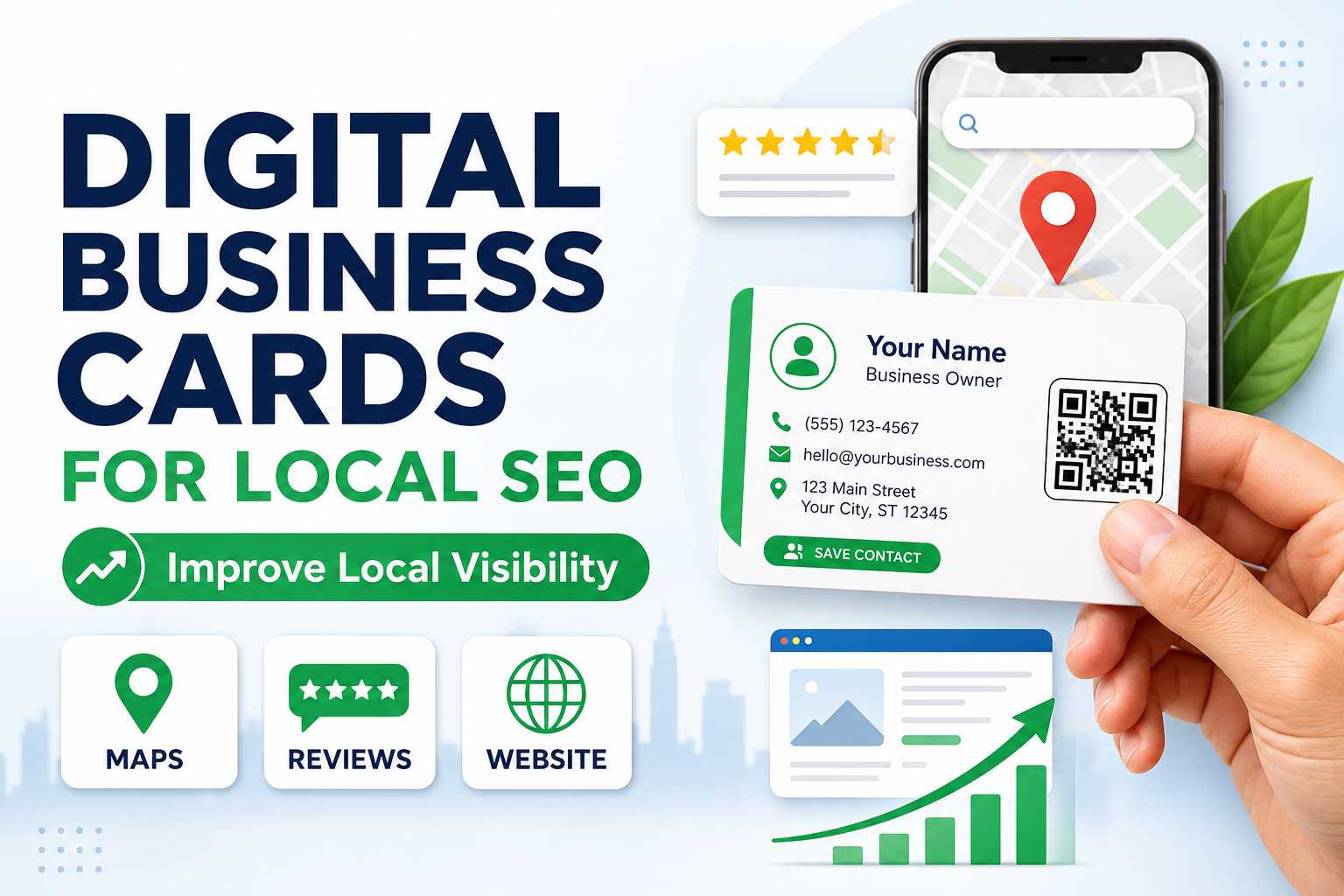
A digital business card creates a single online profile where customers can access important business information without searching across multiple platforms. The profile can include the business name, phone number, website, Google Maps location, social media profiles, WhatsApp and review links. Keeping these details organized gives customers a clearer understanding of the business and makes important local information easier to access.
Local SEO depends heavily on accurate business information, useful local content and a strong online presence. A digital business card should therefore be viewed as a supporting tool rather than a direct ranking technique. When it connects customers with Google Business Profile, Maps and the company website, it can contribute to a more complete local marketing strategy.
Important Local Information to Include
A local business digital card should contain:
- Business name
- Business category
- Phone number
- Website
- Google Maps
- Google Reviews
- Address
- Opening hours
- Social media
- Products or services
These details should match the information used on the company's website and Google Business Profile whenever possible.
Why Is Consistent Business Information Important for Local Search?
Search engines need to understand which online information belongs to the same business. When the business name, location and contact information appear differently across websites and online profiles, customers can also become confused. Using consistent information across your website, Google Business Profile and digital business card creates a more professional digital presence.
For example, a business should avoid showing one phone number on its website and an outdated number on its digital profile. The address, business name and service information should also remain accurate whenever the company updates its details. Consistency does not guarantee higher rankings, but it supports trust, usability and better business identification.
Keep These Details Consistent
Regularly check:
- Business name spelling
- Phone number
- Complete address
- Website URL
- Maps location
- Working hours
- Service categories
- Social links
Updating these details also reduces the chance that customers contact the wrong number or visit an incorrect location.
How Do Maps and Reviews Support Local Business Visibility?
Google Maps and customer reviews are important parts of local business discovery because potential customers often use them before choosing where to visit or whom to contact. A digital business card can place both options in one easily accessible profile. Customers can scan the QR code, open the business location or move toward the review destination without manually searching for the company.
The digital card itself does not create better reviews or better rankings automatically. Its main value is reducing friction between the customer and the relevant business page. Businesses should still focus on accurate location information, good customer service and genuine customer feedback.
Make Local Actions Easy
Customers should be able to quickly:
- Find directions
- Call the business
- Send a WhatsApp message
- Visit the website
- Read reviews
- Share genuine feedback
- View products
- Check business information
A simple customer journey can make the entire local business experience more convenient.
Digital Cards and Local Customer Engagement
Local customers often discover businesses through physical locations, posters, recommendations or printed advertising. Adding a QR-powered digital business card gives these customers an immediate way to continue their interaction online. Instead of remembering a business name and searching later, they can scan the code while their interest is still high.
This offline-to-online connection can be useful for restaurants, salons, clinics, retail stores, consultants and other customer-facing businesses. The digital card can help visitors move toward Maps, WhatsApp, reviews, products or the official website. The easier these actions become, the stronger the overall customer journey can be.
Best Places to Share a Digital Card QR
Use it on:
- Business cards
- Billing counters
- Reception desks
- Posters
- Product packaging
- Storefronts
- Flyers
- Invoices
- Restaurant tables
- Event banners
Always include a clear call-to-action explaining what customers will find after scanning.
Frequently Asked Questions About Digital Business Cards and Local SEO
Does a digital business card directly improve Google ranking?
No. A digital business card is not a direct ranking factor, and simply creating one will not automatically move a business higher in Google search results. Its benefit comes from connecting customers with accurate business information, the company website, Maps, reviews and other important online assets. It should therefore be used as part of a broader local SEO strategy.
Can a digital business card help customers find my location?
Yes. A digital profile can provide a direct Google Maps connection alongside the address and contact details. This is particularly useful for local businesses that receive customers at a physical location. Keeping the map pin and address accurate is important for creating a good customer experience.

