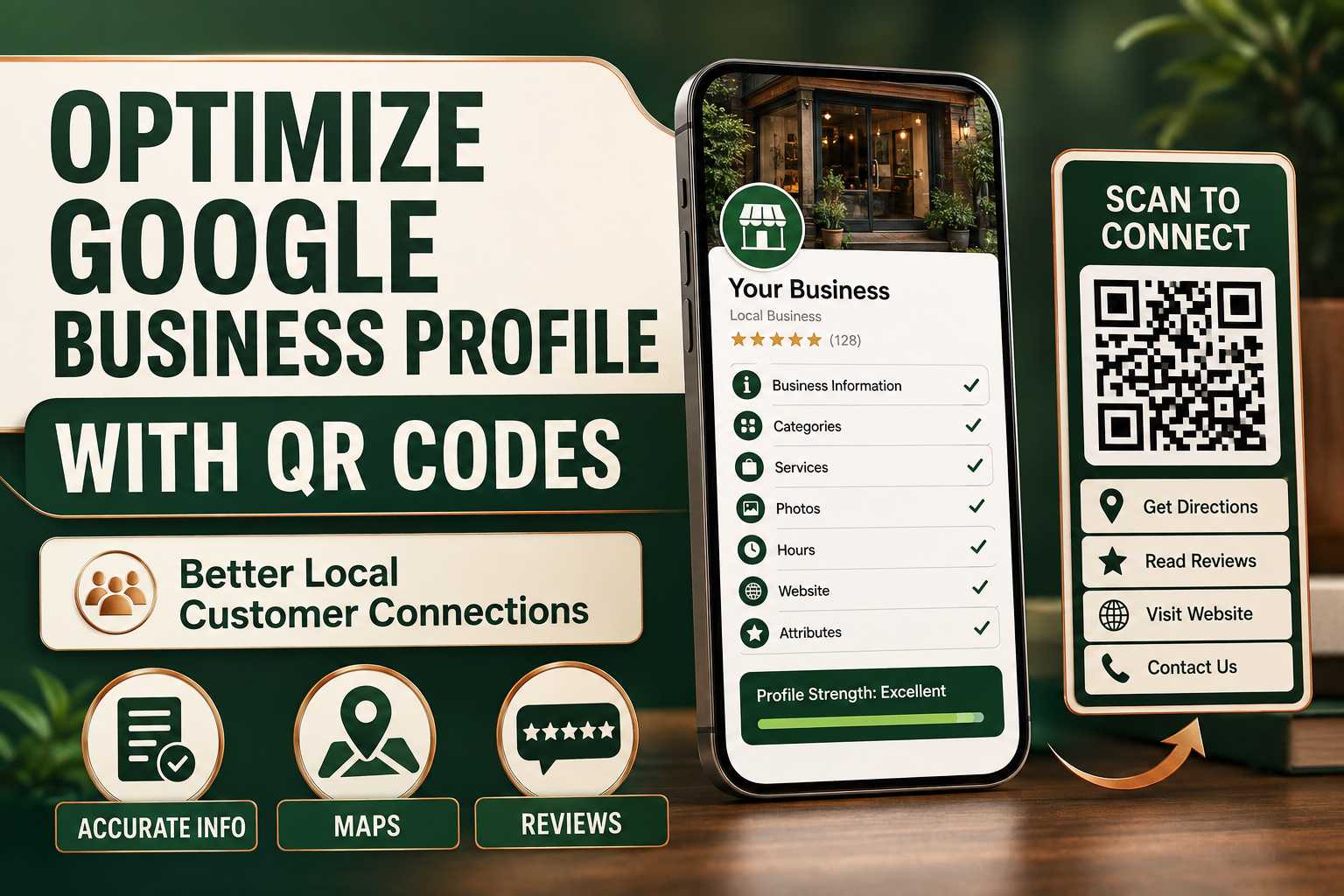
Google Business Profile Optimization Basics
What Should Businesses Optimize on Google Business Profile?
A well-maintained Google Business Profile should accurately represent the real business. Important information includes the company name, primary category, address, phone number, website, opening hours and service information.
Businesses should update the profile whenever details change and avoid adding misleading keywords to fields that are intended for official business information. The goal is to help customers quickly understand the business and decide whether it meets their needs.
Key Profile Information
Keep accurate:
- Business name
- Categories
- Address
- Phone
- Website
- Working hours
- Services
- Photos
- Reviews
- Description
Consistency with the company's website is also important for customer trust.
How Can QR Codes Connect Customers With Google Maps?
A QR code can provide direct access to the business's Maps location from printed or physical marketing. This is particularly useful when customers discover a company through a flyer, event, product package or business card.
Instead of typing the business name into Google and choosing from several possible results, customers can use the provided connection to reach the correct location. Businesses should still test the destination regularly to ensure it continues pointing to the right listing.
Maps QR Use Cases
Use Maps access on:
- Event flyers
- Business cards
- Store advertisements
- Hotel materials
- Appointment cards
- Delivery packaging
- Brochures
- Invitations
Maps QR codes are especially valuable for first-time visitors.
How Can QR Codes Support a Google Review Strategy?
Businesses can place a review-related QR where satisfied customers naturally complete their interaction. The goal is to make the review page easier to access without pressuring the customer.
For example, a restaurant can use a QR near the bill, while a salon can display one at reception after the service. Businesses should request honest reviews and follow Google's current review policies.
Review QR Best Practices
Businesses should:
- Use clear instructions
- Request genuine feedback
- Avoid fake reviews
- Avoid rating manipulation
- Respond to customers
- Keep the destination working
- Place the QR appropriately
Authentic customer feedback is more valuable than artificial review volume.
Why Use One QR for Google and Other Business Connections?
Customers who discover a local business may need more than Maps or reviews. They may want WhatsApp, the official website, social media or product information before deciding to visit.
A smart multi-link QR profile can provide these options together. This gives customers more control while reducing the number of separate QR codes displayed around the business.
One Profile Can Include
- Maps
- Reviews
- Website
- Call
- Products
- Payments
- Enquiries
Businesses should place the most frequently used actions at the top.
Frequently Asked Questions
Will QR scans make my Google Business Profile rank first?
No. There is no legitimate guarantee that QR scans will move a Google Business Profile to the first position. Local ranking depends on multiple signals and the search context. QR codes are best used for improving customer access and engagement.
Should I use separate QR codes for Maps and reviews?
You can, but businesses that want a cleaner presentation can use a multi-link QR profile where customers choose Maps, reviews and other business actions after one scan.

