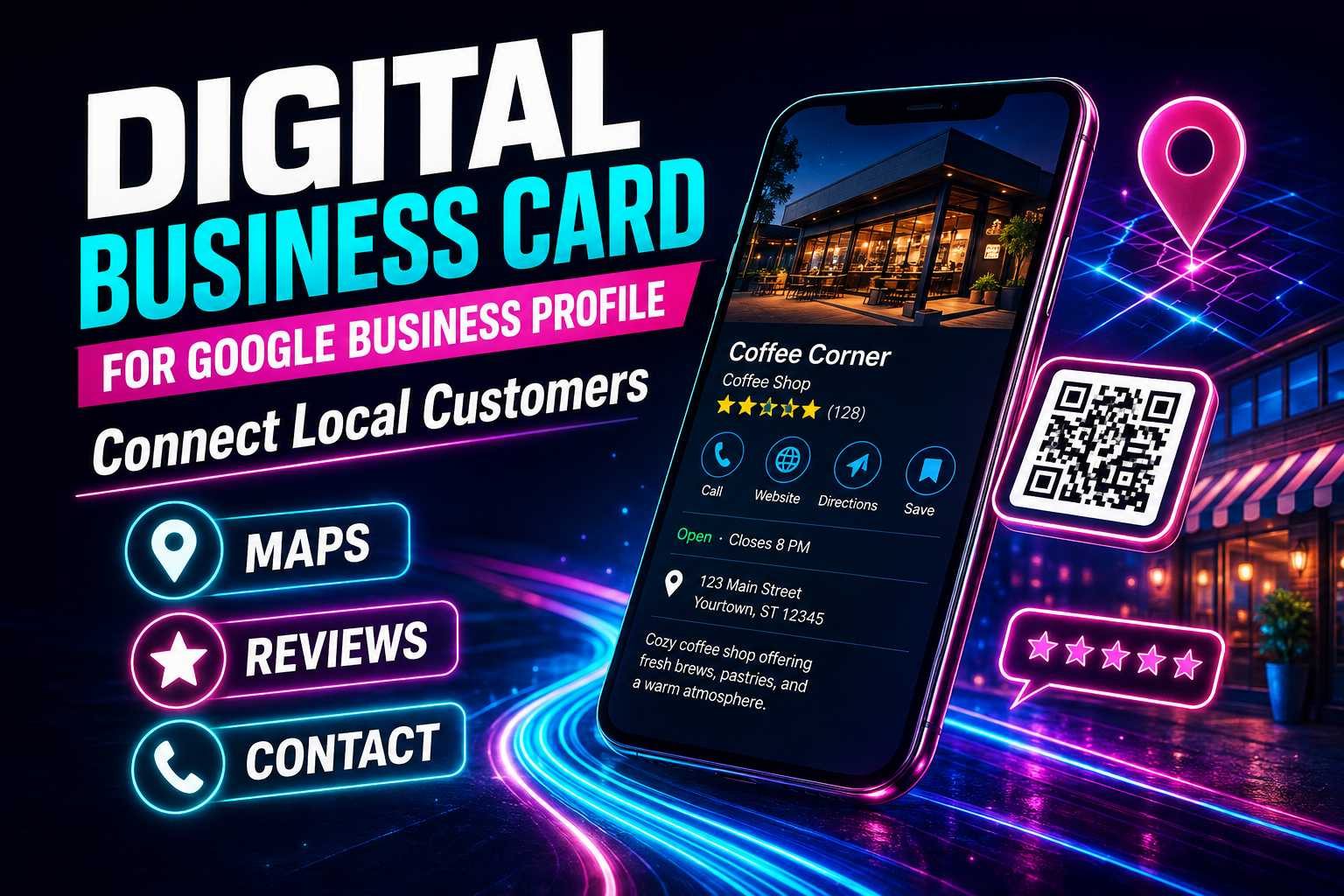
Google Business Profile and Digital Business Cards
How Does a Digital Business Card Work With Google Business Profile?
Google Business Profile helps local customers understand where a business is located, when it is open and how they can contact it. A digital business card can complement this information by creating another simple access point through a QR code or shareable link. Customers can use the digital profile to reach Google Maps, reviews, the website and other relevant business connections.
This approach can be valuable when customers first discover the business offline. A person who sees the company at an event, storefront or printed advertisement can scan the digital card instead of manually searching Google. The business should make sure the information shown on the digital card matches its official Google Business Profile details.
Useful Connections to Add
Businesses can include:
- Google Maps
- Google Reviews
- Business website
- Phone
- Social media
- Product catalogue
- Business enquiry
- Payment options
The most important actions should appear first so customers do not have to search through unnecessary links.
Why Should a Digital Business Card Include Google Maps?
Location is one of the most important pieces of information for restaurants, salons, stores, clinics and other businesses serving a specific area. Customers may decide not to visit if they cannot quickly understand where the company is located. Adding Google Maps to the digital card provides a clear route from discovery to navigation.
The business should ensure that the location link leads to the correct listing and map pin. Incorrect Maps information can create a negative customer experience and may result in calls asking for directions. A simple Maps button can make a local digital card much more practical.
Local Information Customers Need
Customers commonly look for:
- Exact location
- Nearby landmarks
- Contact number
- Opening hours
- Website
- Services
- Customer reviews
- Directions
Providing this information clearly can reduce unnecessary questions and help customers make decisions faster.
How Can Digital Cards Make Google Reviews Easier to Access?
Businesses can include a Google Review connection inside their digital business card so customers can reach the appropriate review destination more easily. This is useful after a customer has completed a genuine purchase, service or appointment. The QR code can be displayed at the billing counter, reception area or other post-service customer touchpoints.
The goal should be to make honest feedback convenient rather than encouraging only positive ratings. Businesses should not manipulate reviews or pressure customers to provide a specific score. Building a strong review profile starts with providing a positive customer experience and making feedback easy to share.
Good Review Request Practices
Businesses should:
- Ask politely
- Request genuine feedback
- Avoid review manipulation
- Respond professionally
- Make access simple
- Use visible QR placement
- Follow applicable Google policies
A consistent review process is generally more useful than trying to generate a large number of reviews suddenly.

