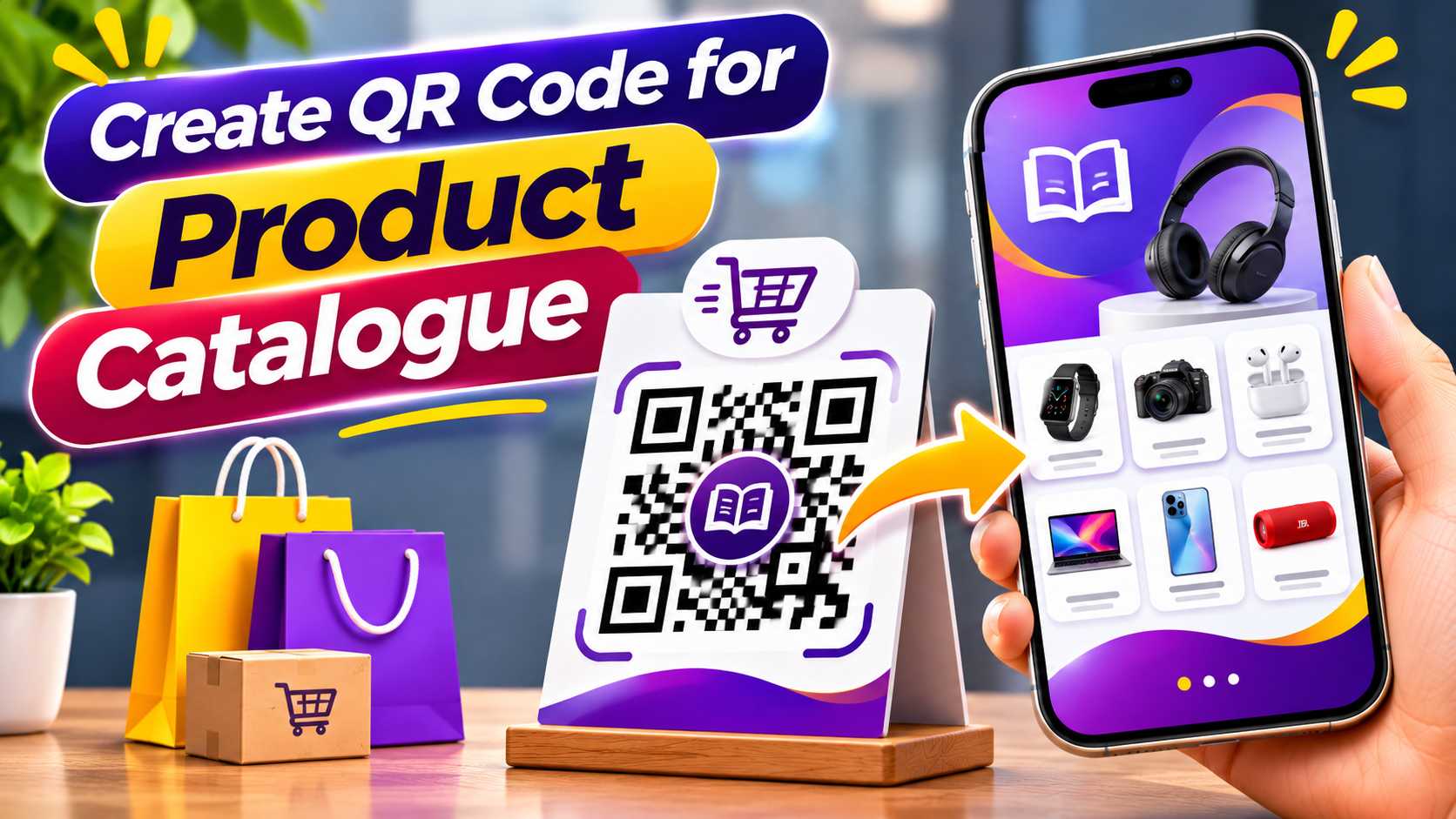
A product catalogue QR code allows customers to instantly view your products, services, collections or price details using their smartphone. Instead of distributing printed catalogues or sending multiple product images manually, businesses can place one QR code on visiting cards, posters, packaging, store displays, brochures and marketing materials.
When customers scan the QR code, they can open a digital product catalogue containing product images, descriptions, prices, categories, contact options and enquiry links. This makes product sharing faster, more convenient and easier to update for retailers, wholesalers, manufacturers, boutiques, restaurants, service providers and other businesses.
How to Create a QR Code for Your Product Catalogue
Customers often want to explore products before contacting a business or visiting a store. Traditionally, businesses used printed catalogues, brochures and product sheets to display their collections. While these materials are still useful, they can become outdated whenever products, prices or offers change.
A QR code connected to a digital product catalogue provides a more flexible way to share product information. Customers can simply scan the code with their smartphone and immediately access the catalogue without manually typing a website address or requesting product images through WhatsApp.
The catalogue can contain products, images, descriptions, categories, prices, enquiry options and other important information depending on the type of business.
A product catalogue QR code can be useful for retailers, wholesalers, manufacturers, boutiques, interior businesses, electronics stores, restaurants, distributors, automobile businesses and service companies that regularly need to show customers multiple products.
What Is a Product Catalogue QR Code?
A product catalogue QR code is a scannable code that connects customers to an online catalogue or digital business profile where products and services are displayed.
Instead of printing every product inside a physical brochure, the QR code acts as a gateway to the latest digital catalogue.
For example, a customer may see a QR code on a product package, brochure or shop counter. After scanning it, they can view available products, browse categories, check specifications and contact the business for more information.
Why Businesses Are Moving Toward Digital Catalogues
Digital catalogues make product information easier to distribute and maintain. Businesses can avoid repeatedly printing new brochures whenever a product changes, while customers can access the catalogue directly from their mobile phone.
A digital catalogue can also contain more information than a traditional printed brochure because businesses are not restricted by physical page space.
This makes QR-based catalogues particularly useful for businesses with large or frequently changing product ranges.
Step-by-Step Process to Create a Product Catalogue QR Code
Creating a QR code for your product catalogue starts with preparing the digital version of the catalogue. This can be a dedicated catalogue webpage, product listing page, online brochure, PDF or digital business profile containing product information.
The most important requirement is that the catalogue should be easy to open and use on a smartphone because most customers will access it after scanning the QR code.
- Prepare your product catalogue digitally.
- Organize products into clear categories.
- Add high-quality product images.
- Include product names and descriptions.
- Add prices where appropriate.
- Include product specifications or important features.
- Add enquiry or contact options.
- Publish the catalogue online.
- Copy the catalogue link.
- Generate a QR code using the catalogue link.
- Scan and test the QR code on different smartphones.
- Add the QR code to your business marketing materials.
Include a clear call to action such as “Scan to View Catalogue.”
Choose the Right Catalogue Destination
The QR code should lead customers to a destination that is easy to understand and navigate.
If your business has only a few products, a simple digital profile with product links may be sufficient. Businesses with larger inventories may need a dedicated catalogue page divided into product categories.
The catalogue destination should load quickly, work well on mobile devices and make it easy for customers to contact the business after finding a product they are interested in.
Important Information Every Product Catalogue Should Have
A product catalogue should provide enough information for customers to understand what your business offers without overwhelming them with unnecessary details.
The exact information will depend on your industry, but a well-designed catalogue should make product discovery simple and encourage customers to take the next step.
Your product catalogue can include:
- Product name
- Product image
- Product category
- Short product description
- Price
- Product size
- Available colours
- Available models
- Product specifications
- Product features
- Minimum order quantity
- Stock availability
- Product code
- Discount information
- Enquiry button
- Call button
- WhatsApp button
- Website link
- Store location
- Business contact details
Use High-Quality Product Images
Product images are one of the most important elements of a digital catalogue because customers often evaluate products visually before reading detailed information.
Use clear images that accurately represent the product. Avoid blurry, heavily compressed or poorly lit photographs.
If your business sells clothing, furniture, electronics, jewellery, food products or home appliances, multiple product images can help customers understand the product better before making an enquiry.
Write Simple Product Descriptions
Product descriptions should explain the most important information in a clear and direct way.
Avoid adding unnecessary paragraphs for simple products. Instead, focus on the product's purpose, main features, material, dimensions, available variants or other details that influence a customer's decision.
Well-structured descriptions can also make your digital catalogue easier for search engines and AI-based search systems to understand.
Best Places to Display Your Catalogue QR Code
Once your catalogue QR code has been created, it can be used across many offline and digital marketing channels.
The goal is to place the code wherever customers may want more information about your products.
Instead of printing an entire catalogue on every advertisement, businesses can display a short message and one QR code that gives customers access to the complete collection.
You can place your catalogue QR code on:
- Business cards
- Digital business cards
- Shop counters
- Product packaging
- Posters
- Flyers
- Brochures
- Exhibition stalls
- Trade show banners
- Product labels
- Store windows
- Bills and invoices
- Delivery packages
- Product displays
- Restaurant tables
- Hotel reception desks
- Company vehicles
- Email signatures
- Social media creatives
- Sales presentations
- Promotional standees
- Event materials
Use a Clear Call to Action
A QR code alone may not tell customers what they will see after scanning it. Adding a short call to action can make the purpose immediately clear.
Useful call-to-action examples include:
- Scan to View Catalogue
- Explore Our Products
- Scan to See Our Collection
- View Full Product Range
- Scan for Product Details
- Browse Our Catalogue
- Scan to View Prices
- Explore More Products
- View Our Latest Collection
The wording should match the type of business and the action you want customers to take after scanning.
Why Businesses Should Use Digital Catalogue QR Codes
A product catalogue QR code is more than a convenient shortcut. It can simplify the way businesses distribute product information while making the customer experience more interactive.
Instead of asking customers to carry printed catalogues or wait for product details to be sent manually, businesses can give instant access through one scan.
Customers Can View Products Instantly
When customers are interested in a product, timing matters. A QR code allows them to access the catalogue immediately rather than waiting for a salesperson to send images or product documents.
This can be particularly useful during exhibitions, networking events, store visits and sales meetings.
Reduce Dependence on Printed Catalogues
Printing large product catalogues can be expensive, especially for businesses that frequently update their collections.
A digital catalogue can reduce the need to print detailed product information repeatedly. Businesses can still use smaller brochures or cards containing the QR code while keeping the full catalogue online.
Share More Products in Less Space
A printed flyer has limited space. A QR code takes up very little physical space but can connect customers to dozens or even hundreds of products.
This makes it particularly useful for businesses with large inventories.
For example, a furniture manufacturer can place one QR code on a brochure and allow customers to explore multiple categories such as chairs, tables, wardrobes, sofas and office furniture online.
Make Product Enquiries Easier
A digital catalogue can include direct enquiry options beside products or within the profile.
Customers who find something they like can quickly open WhatsApp, call the business, send an email or visit the website.
This reduces the number of steps between product discovery and customer enquiry.
Combine Your Catalogue With Contact and Business Information
Customers who browse your catalogue may also want to contact your business, find your location or visit your social media profiles.
Instead of maintaining separate QR codes for every purpose, businesses can connect one QR code to a digital business profile containing all important actions.
For businesses using VCRDS, a digital profile can provide a central place for product catalogue links along with contact information and other online business destinations.
What You Can Add Along With Your Product Catalogue
- Product catalogue
- Phone number
- WhatsApp contact
- Email address
- Official website
- Google Maps location
- Instagram
- Facebook
- LinkedIn
- YouTube
- Business hours
- Product enquiry links
- Appointment booking
- Payment links
- Google review link
- Company information
This creates a more complete customer experience.
A customer may first scan the QR code to view your catalogue, then message you on WhatsApp to ask about product availability and finally open Google Maps to visit your store.
All of these actions can be accessible from one digital profile.
One QR Code Can Support Multiple Customer Actions
Instead of using one QR code for WhatsApp, another for Google Maps and another for your catalogue, a digital business profile can combine the most important links into one destination.
The customer scans once and chooses what they want to do.
This can make printed marketing materials cleaner while reducing confusion caused by displaying several QR codes together.
Which Businesses Can Use a Catalogue QR Code?
Almost any business that regularly presents products, services or collections to customers can benefit from a digital catalogue QR code.
The catalogue format can be customized depending on whether the business sells physical products, provides services or works with wholesale customers.
Catalogue QR codes can be useful for:
- Clothing stores
- Saree and textile businesses
- Boutiques
- Jewellery shops
- Furniture stores
- Interior design businesses
- Home appliance dealers
- Electronics stores
- Automobile dealerships
- Hardware suppliers
- Building material suppliers
- Manufacturers
- Wholesalers
- Distributors
- Restaurants
- Bakeries
- Gift shops
- Cosmetic stores
- Mobile stores
- Real estate companies
- Travel businesses
- Service companies
Example for a Clothing Store
A clothing store can create a digital catalogue containing categories such as sarees, kurtis, lehengas, gowns and party wear.
The business can print a “Scan to View Collection” QR code on shopping bags, visiting cards, posters and store counters.
Customers can later scan the code from home and continue browsing the latest collection without needing another printed brochure.
Example for a Manufacturer or Wholesaler
Manufacturers and wholesalers often manage large product ranges that are difficult to fit into small printed brochures.
A catalogue QR code can provide dealers and buyers with access to product categories, technical specifications, model numbers and enquiry information.
During exhibitions or business meetings, the sales team can share one QR code instead of carrying multiple physical catalogues.
Example for a Restaurant
Restaurants can also use catalogue-style QR codes for digital menus.
Customers can scan a code to view food categories, item descriptions, prices, images and available options.
The same digital profile may also contain restaurant contact details, location, reservation links and social media profiles.
How to Make Your Catalogue QR Code More Effective
A QR code should be easy to scan and the catalogue should be easy to use after scanning. Both parts of the experience are important.
Even a perfectly designed catalogue will not help if customers cannot scan the code, while a QR code that works properly can still create a poor experience if the destination page is slow or difficult to navigate.
Make Your Catalogue Mobile Friendly
Most users will access the catalogue from a smartphone. Product images, descriptions and buttons should therefore fit properly on smaller screens.
Categories should be simple to navigate, and important actions such as WhatsApp or enquiry buttons should be easy to tap.
Keep Product Information Updated
Customers expect the digital catalogue to reflect your current products and information.
Remove discontinued products where necessary and update descriptions, prices, collections or availability when changes occur.
An outdated catalogue can create confusion and unnecessary customer enquiries.
Keep the QR Code Easy to Scan
Use sufficient contrast between the QR code and its background. Avoid placing important design elements over the code, and leave clear space around it.
The QR code should also be large enough for the intended viewing distance.
A QR code printed on a visiting card can be relatively small, while a QR code on a large poster should be large enough to scan from farther away.
Test Before Printing
Always test your QR code before printing brochures, product packaging or promotional materials in large quantities.
Scan it using different smartphones and verify that the correct catalogue opens.
Also check the final printed design, because reducing the code size or changing its background during design can affect how easily it scans.