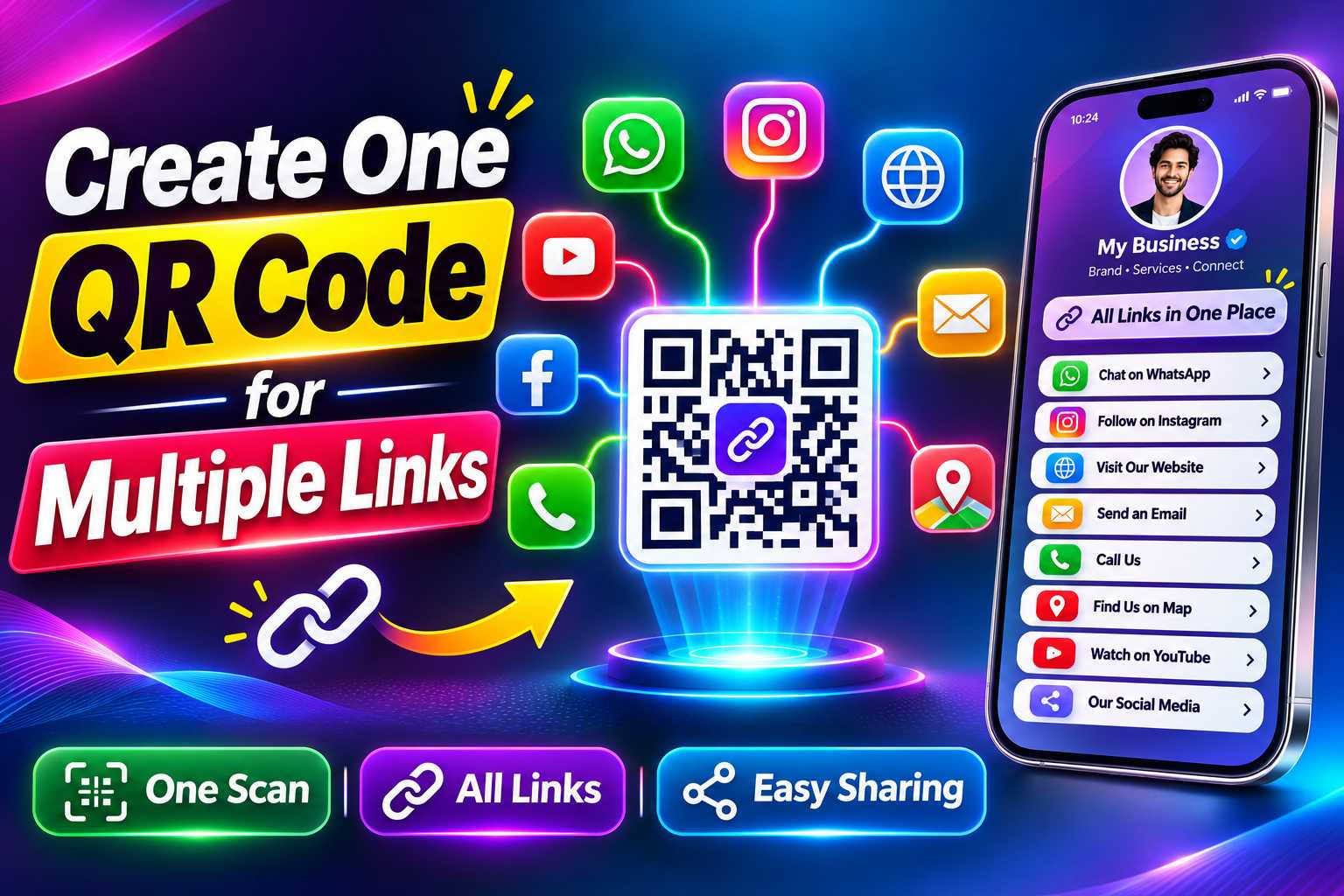
Creating one QR code for multiple links is a simple way to share your complete digital presence without using separate QR codes for WhatsApp, Instagram, websites, Google Maps, social media and other business platforms. Instead of asking customers to scan different codes, one QR code can open a mobile-friendly page where they can choose the link or action they need.
This method is especially useful for small businesses, freelancers, consultants, retailers and professionals who want to keep business cards, posters, brochures and other marketing materials clean and easy to use. In this guide, you will learn how to create one QR code for multiple links, what business links you can include, how to organize them correctly and how to make the QR code easy for customers to scan.
How to Create One QR Code for Multiple Links
A standard QR code usually connects users to one destination, such as a website page or phone number. However, businesses often need to share more than one digital link. They may want customers to access WhatsApp, Instagram, Facebook, Google Maps, a website, product catalogue and several other platforms.
Instead of creating a separate QR code for every destination, you can create one QR code that opens a digital page containing multiple links.
When customers scan the QR code, they first reach this central page. From there, they can choose what they want to do next.
For example, one person may tap WhatsApp to ask a question, while another may visit your website or open Maps to find your location.
How Does One QR Code Connect to Multiple Links?
A QR code does not normally open several websites at the exact same time. Instead, the QR code can be connected to one central multi-link page or digital business profile.
That page contains buttons for all the links you want to share.
This provides a much cleaner experience because customers scan only once and then select the destination they need.
Points
Your page can include:
WhatsApp
Phone number
Website
Instagram
Facebook
LinkedIn
YouTube
Google Maps
Email
Product catalogue
Services
Portfolio
Booking page
Reviews
Payment link
Enquiry form
One Scan Can Give Customers Several Choices
Customers do not always use the same communication channel. Some prefer phone calls, some use WhatsApp and others may want to research your website or social media before contacting you.
A multi-link QR code supports these different customer preferences without requiring multiple printed QR codes.
This makes the experience more flexible for both the business and the customer.
Keep Your Marketing Design Clean
Using several QR codes on one business card, poster or brochure can create visual confusion.
Customers may not know which code they should scan first, and the overall design may look crowded.
One QR code simplifies the layout while still providing access to several destinations.
This leaves more room for important branding, product images, headlines and contact information.
Make It Easier for Customers
Customers should not have to decide between several QR codes before they even understand what each one does.
A single QR code creates one clear starting point.
The user scans once and can then choose whether to call, WhatsApp, visit the website, follow social media or open the business location.
Reduce Repeated Printing
If each platform has its own QR code, businesses may need to update marketing materials whenever a link changes.
A profile-based multi-link QR setup can be more flexible because the QR code points to one digital page.
Where the platform supports editing, businesses may be able to update links inside that page without replacing the printed QR code.
Add the Business Links Customers Actually Use
The purpose of using one QR code for multiple links is to make business information easier to access.
Do not add links simply because they exist. Add the platforms that customers regularly use to learn about or contact your business.
A restaurant may need menu, WhatsApp, location and reviews. A consultant may need LinkedIn, website, email and appointment booking.
Points
Useful links include:
WhatsApp business chat
Business phone number
Official website
Instagram profile
Facebook page
LinkedIn profile
YouTube channel
Google Maps location
Google review page
Product catalogue
Service page
Online store
Portfolio
Appointment booking page
Enquiry form
Email address
Payment page
Menu
Downloadable brochure
Can You Add WhatsApp, Instagram and Website Together?
Yes. These three destinations can be combined on one multi-link profile.
A customer can scan the QR code and choose whether to start a WhatsApp conversation, view your Instagram content or visit your website.
This is useful because each platform supports a different stage of the customer journey.
WhatsApp may be used for enquiries, Instagram for visual discovery and the website for detailed information.
Step 1: Collect All the Links You Want to Share
Start by making a list of your important business URLs and contact details.
Check each link before adding it. Broken or outdated links can create a poor customer experience.
Points
Prepare:
Website URL
WhatsApp link
Instagram URL
Facebook URL
LinkedIn URL
YouTube URL
Maps location link
Review page
Product page
Service page
Booking link
Contact email
Step 2: Create a Multi-Link Business Profile
Use a platform that allows you to build one mobile-friendly page containing several business links.
Add your business name, logo, profile image and short description so customers immediately understand whose page they have opened.
Then add the links one by one and arrange them according to importance.
Step 3: Organize Your Links Properly
The order of links should match your customer journey.
If most customers contact you through WhatsApp, place WhatsApp near the top. If your business depends on walk-in customers, make your Maps link easy to find.
The most important actions should be visible first.
Step 4: Generate One QR Code
After completing your digital profile, generate a QR code linked to that page.
The QR code becomes the single access point for all the links you have added.
Instead of printing separate codes for every platform, you only need to print this one.
Step 5: Test Every Link
Scan the QR code using more than one smartphone when possible.
Then test every button on the page.
Make sure WhatsApp opens the correct chat, Maps shows the correct location, social media links open the correct profiles and the website works properly on mobile devices.
Put the Most Important Actions First
The order of your links affects how customers interact with the page.
Do not arrange everything randomly.
Think about the action you want customers to take most often and place that option near the top.
For example, a local retailer may prioritize WhatsApp, phone and Maps, while a freelancer may prioritize portfolio, website and LinkedIn.
Use Clear Button Names
Customers should immediately understand where each button will take them.
Avoid generic labels such as “Click Here” or “More.”
Use direct labels instead.
Points
Good button names include:
Call Us
WhatsApp Us
Visit Website
View Instagram
View Products
Get Directions
Book Appointment
Leave a Review
View Portfolio
Send Email
Do Not Add Too Many Unnecessary Links
Although a multi-link QR code can support many destinations, too many links can make the page confusing.
Remove inactive social media accounts and irrelevant links.
The page should focus on the channels that support customer communication, trust and business enquiries.
Use the Same QR Code Across Different Marketing Materials
A multi-link QR code can be used in many places where customers need quick access to business information.
The same code can appear on both small printed materials and larger promotional designs.
Points
You can place it on:
Visiting cards
Business cards
Posters
Flyers
Brochures
Banners
Product packaging
Product labels
Shop counters
Reception desks
Restaurant tables
Menus
Invoices
Product catalogues
Exhibition stalls
Event materials
Appointment cards
Thank-you cards
Service vehicles
Use It on a Business Card
One QR code for multiple links is especially useful on business cards because space is limited.
Instead of printing your entire website URL, WhatsApp link, Instagram username, LinkedIn profile and Maps address, you can place one clean QR code.
The customer scans the card and accesses all the required information from one page.
Use It on Posters and Brochures
Posters and brochures can use the QR code as a digital call to action.
Instead of filling the design with long URLs, businesses can add a message such as Scan to Connect With Us and direct customers to the complete multi-link profile.
Use a Clear and High-Quality QR Code
The QR code should remain sharp both on screen and in print.
Avoid using low-quality screenshots because they can become blurry when resized.
Use a high-quality QR image and test it after placing it in your final design.
Use Good Contrast
A dark QR code on a light background is generally easier for smartphone cameras to recognize.
Avoid placing the QR code over complex photographs or patterns.
If the design has a busy background, place the QR code inside a simple plain area.
Leave Space Around the QR Code
Do not place text, borders or graphics directly against the code.
The empty area around a QR code helps scanners identify its boundaries.
Keeping enough clear space can improve scan reliability and also make the design look cleaner.
Test the Physical Print
A QR code that works on a computer monitor may not work equally well when printed at a small size.
Print a sample before producing large quantities of cards, brochures or labels.
Scan the physical version from a normal viewing distance and test it on different smartphones where possible.
Different Businesses Can Use Multi-Link QR Codes Differently
The best link combination depends on the type of business.
Small businesses should focus on the digital platforms that customers actually use.
Points
Retail Stores:
Add WhatsApp, product catalogue, Instagram, website, Maps and reviews.
Restaurants:
Add menu, reservation contact, Maps, reviews, WhatsApp and Instagram.
Salons:
Add WhatsApp, appointment booking, services, Instagram and location.
Hotels and Homestays:
Add booking information, website, WhatsApp, Maps and reviews.
Freelancers:
Add portfolio, website, email, LinkedIn and WhatsApp.
Consultants:
Add website, LinkedIn, appointment booking, email and contact details.
Real Estate Professionals:
Add phone, WhatsApp, property listings, website and professional profiles.
Photographers and Designers:
Add portfolio, Instagram, website and enquiry links.
Local Service Businesses:
Add phone, WhatsApp, service details, service area, Maps and reviews.
What Is a Static QR Code?
A static QR code usually points directly to one fixed destination.
It is suitable when you only need to share one permanent URL such as your main website.
However, it may be less practical when you want customers to access several different platforms.
What Is a Multi-Link QR Code?
A multi-link QR code opens a page containing several destinations.
Customers scan once and can then choose the action that matches their needs.
This makes it better suited for businesses that use several communication and marketing channels.
Which Option Should You Choose?
If you only want to share one fixed website, a standard QR code may be enough.
If you want to share WhatsApp, phone, website, Instagram, Maps and several other links together, a multi-link QR code provides a more flexible customer experience.
The right choice depends on how much information your business needs to share.
Make Business Sharing Simpler
One QR code can reduce the effort required to share business information.
Instead of explaining several website addresses, phone numbers or social media usernames, you can give customers one code and one digital starting point.
Support Different Customer Preferences
Some customers prefer WhatsApp, while others prefer websites, social media or phone calls.
A multi-link profile gives them several choices.
This makes the business more accessible without forcing every customer to use the same contact channel.
Improve Offline-to-Online Marketing
A QR code can connect printed marketing materials directly to your digital presence.
Someone who sees your business on a poster or product package can scan the code and continue the interaction online.
They can then visit your website, WhatsApp your business, find your location or explore your services.
Keep Your Brand Information Organized
A central digital profile allows important business links to appear together instead of being scattered across different messages and printed materials.
This can create a more organized and professional customer experience.
Avoid Problems That Reduce Customer Engagement
A multi-link QR code should make communication easier.
Broken links, unclear buttons and poor QR design can create the opposite experience.
Review the complete journey before publishing.
Points
Avoid:
Using an incorrect WhatsApp number
Adding broken website links
Linking to inactive social profiles
Adding too many unnecessary buttons
Using unclear button names
Creating a QR code that is too small
Using a blurry QR image
Placing the QR code on a busy background
Adding no call to action
Using an incorrect Maps location
Forgetting to test the physical print
Sending users to a page that is not mobile friendly
Test the Full Customer Journey
Do not stop after checking that the QR code scans.
Test what happens after scanning.
Open WhatsApp, visit your website, check social media, test Maps and confirm that every important link works properly.
The entire experience should feel simple from the first scan to the final action.
Keep Your Business Information Consistent
Your digital multi-link profile should use accurate business information that matches your official website and other important online profiles.
Use the correct business name, phone number, website and address.
This helps customers identify the correct company when they move between your QR profile and other digital platforms.
AEO-Friendly Information
Customers often want direct answers after scanning a QR code.
A clear multi-link profile can answer common questions such as:
How can I contact this business?
Is WhatsApp available?
What is the official website?
Where is the business located?
How can I view products?
How can I book an appointment?
Where can I find the business on social media?
Clear button labels make this information easier to access.
GEO-Friendly Business Information
If your business serves customers from a specific location, include accurate geographic details such as your business address, city, Maps link or genuine service area.
Do not add unrelated city names only for keyword targeting.
The purpose of GEO optimization should be to help customers understand where the business is located or where its services are available.