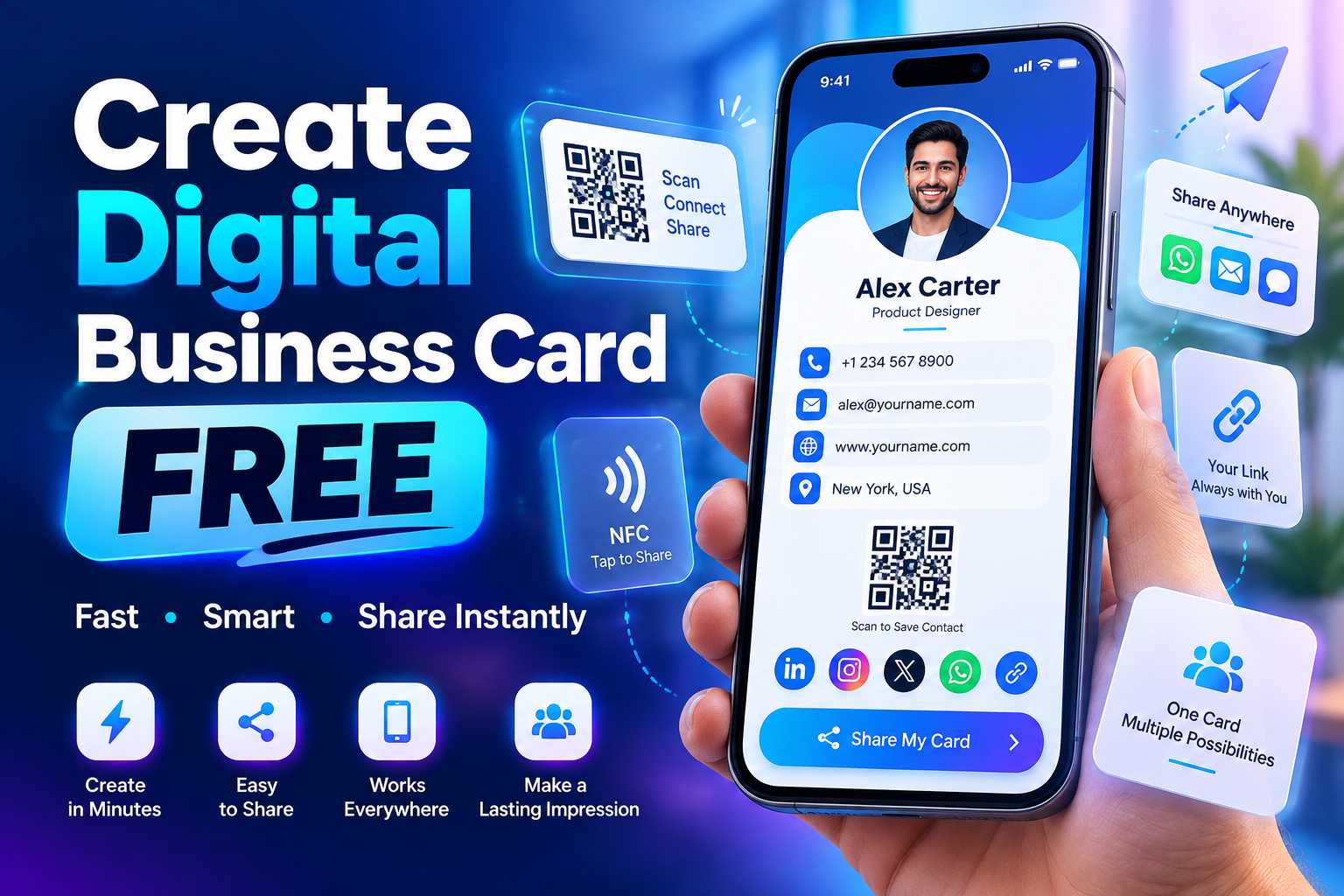
A digital business card is a simple way to share your contact details, WhatsApp number, website, social media profiles, business location and other important information without depending only on a printed visiting card. Instead of giving customers several separate links, you can place your important business information inside one mobile-friendly digital profile and share it using a link, QR code or compatible smart card.
Creating a digital business card for free is especially useful for freelancers, entrepreneurs, shop owners, sales professionals, consultants and small businesses that want a modern and convenient way to connect with customers. In this guide, you will learn what to include in a digital business card, how to create one, how QR codes help with sharing and how to make your card more effective for customer enquiries and business growth.
What Is a Digital Business Card and Why Do You Need One?
How to Create a Digital Business Card for Free
Traditional visiting cards are still useful for face-to-face networking, but they have limitations. A printed card usually contains only basic information such as your name, company name, phone number, email and website. When you want to add WhatsApp, Instagram, Google Maps, product information or several other links, the card can quickly become crowded.
A digital business card solves this problem by placing important business information on one mobile-friendly page. Instead of manually typing your contact details, customers can open your digital card and select the action they need.
For example, someone viewing your digital business card could immediately call your business, send a WhatsApp message, visit your website, follow your Instagram account or locate your business on Google Maps.
What Can You Add to a Digital Business Card?
A good digital business card should act as a central profile for your professional or business information. The exact details you include will depend on your industry, but the goal is to provide customers with the most useful ways to learn about and contact your business.
You can include:
- Your name
- Business or company name
- Designation
- Profile photo or business logo
- Mobile number
- WhatsApp contact
- Email address
- Official website
- Instagram profile
- Facebook page
- LinkedIn profile
- YouTube channel
- Google Maps location
- Business address
- Product or service information
- Portfolio links
- Appointment links
- Customer review links
- Payment information where required
Digital Business Card vs Traditional Visiting Card
A traditional visiting card provides fixed printed information, while a digital business card can provide interactive actions. Customers do not need to manually type a website URL or save a phone number before contacting you.
A digital profile can also contain more information than a standard visiting card while remaining easy to access from a smartphone. Businesses can therefore use printed cards and digital business cards together rather than treating them as competing formats.
How to Create a Digital Business Card for Free Step by Step
Step 1: Choose a Digital Business Card Platform
The first step is selecting a digital business card platform that allows you to create and manage your professional profile. Before choosing a platform, check whether it supports the features that matter to your business.
For a simple digital card, contact information may be enough. However, businesses that want to generate enquiries should look for additional options such as WhatsApp, websites, social media links, QR code sharing, location links and product or service information.
Step 2: Add Your Basic Business Information
Start by adding the information customers need to immediately understand who you are and what you do. Your business name, personal name, job title or service category should be clearly visible at the top of the profile.
Avoid adding unnecessary information that makes the card difficult to understand. The most important details should be visible without forcing visitors to scroll through a large amount of content.
Points
Add details such as:
- Full name
- Company name
- Professional title
- Business logo
- Profile image
- Short business description
- Contact number
- Email address
- Location
Step 3: Add WhatsApp and Contact Buttons
One of the most useful features of a digital business card is the ability to provide direct contact actions. Instead of showing only your mobile number, you can provide separate buttons for calling and WhatsApp.
This is particularly useful for businesses that receive enquiries about products, bookings, pricing or services. Customers can simply tap the WhatsApp button and start a conversation without manually saving the number first.
Make Your Contact Options Easy to Find
Do not hide important contact actions at the bottom of a long page. Your phone, WhatsApp and primary website should normally appear near the top of the digital profile so customers can take action quickly.
A simple digital card should answer three questions immediately: who you are, what you offer and how the customer can contact you.
Add Website, Social Media and Business Links
Connect Your Website and Social Media Profiles
Customers may want to research your business before contacting you. Adding your website and social media accounts gives them different ways to learn more about your products, services and reputation.
For example, your website may provide detailed service information, while Instagram can show photographs, reels, customer experiences or recent work. LinkedIn may be more important for consultants and business professionals, while YouTube can be useful for businesses that regularly publish demonstrations or educational videos.
Points
Useful links can include:
- Website
- Instagram
- Facebook
- LinkedIn
- YouTube
- X or other relevant social platforms
- Online catalogue
- Portfolio
- Appointment page
- Enquiry form
Do Not Add Links Customers Do Not Need
Adding every social media account simply because it exists can make a digital business card unnecessarily complicated. Focus on platforms that actively help customers understand, trust or contact your business.
A local clothing store, for example, may benefit most from WhatsApp, Instagram, Maps and a website. A consultant may prioritize LinkedIn, email, website and appointment booking.
The best digital card is not the one with the largest number of buttons. It is the one that makes the customer's next step obvious.
Use a QR Code to Share Your Digital Business Card
A QR code makes a digital business card much easier to share in physical locations. Instead of asking someone to type your digital card URL, you can display a QR code that opens the profile automatically when scanned with a smartphone.
This creates a connection between traditional offline marketing and your online business presence.
For example, a customer may see your QR code on a visiting card, scan it and then immediately access WhatsApp, your website, Instagram, location and other information from the digital business card.
Where Can You Place Your Digital Business Card QR Code?
Once your digital card is ready, the QR code can be added to many existing marketing materials.
You can place it on:
- Printed visiting cards
- Shop counters
- Office reception desks
- Flyers
- Brochures
- Product packaging
- Posters
- Restaurant tables
- Exhibition stalls
- ID cards
- Product catalogues
- Invoices
- Thank-you cards
- Event materials
Add a Clear Call to Action Near the QR Code
A QR code by itself does not always tell customers what will happen when they scan it. Adding a short instruction can increase clarity and encourage interaction.
Examples include:
- Scan to Connect
- Scan My Digital Card
- Scan for Contact Details
- Scan to WhatsApp Us
- Scan to View Our Business Profile
- Scan to Save Our Contact
The message should match the main purpose of your digital business card.
Keep the Design Simple and Mobile Friendly
Most people will open your digital business card from a smartphone, so the page should be designed primarily for mobile users. Buttons should be easy to tap, text should be readable and important actions should not be hidden inside complicated navigation.
Avoid adding too much text at the beginning of the card. Start with your identity, business description and primary contact actions before displaying additional information.
Use a Professional Profile Image or Logo
Your profile image or business logo helps visitors quickly understand whose digital business card they are viewing. Businesses should use a clear, high-quality logo, while individual professionals may prefer a professional photograph.
Avoid blurry, stretched or heavily cropped images because they can reduce the overall quality of the profile.
Write a Clear Business Description
Your introduction should explain what you do in a few sentences. Avoid vague statements that do not help customers understand your business.
For example, instead of writing only "Providing the best services," explain the actual service provided and the customers you serve.
A clearer description could be:
"Digital marketing and website development services for small businesses looking to build a stronger online presence."
This immediately tells the visitor what the business provides.
Keep Your Information Updated
One major advantage of a digital business card is that your online information can be maintained more easily than details printed permanently on a physical card.
Whenever your phone number, website, location, designation, social profile or business information changes, update your digital profile so customers continue to receive accurate information.
Who Should Use a Free Digital Business Card?
Digital Business Cards for Small Businesses and Professionals
Digital business cards are useful for almost anyone who regularly shares professional contact information. However, they are particularly valuable for small businesses and independent professionals because they can combine several digital channels without requiring a large website or complicated marketing setup.
Points
Small Business Owners:
Share WhatsApp, website, location, social media and contact details from one profile.
Freelancers:
Combine portfolio links, phone numbers, email, social media and professional information.
Sales Professionals:
Allow potential customers to quickly save contact details and start conversations after meetings.
Consultants:
Share services, LinkedIn, appointment options, website information and contact details.
Real Estate Professionals:
Connect customers to calls, WhatsApp, property pages, locations and portfolio information.
Retail Business Owners:
Provide customers with shop information, catalogues, Instagram, WhatsApp and Maps.
Photographers and Designers:
Share portfolio work, Instagram, website, email and enquiry information.
Event Professionals:
Provide one digital profile for enquiries, portfolios, social media and business contact details.
Digital Business Cards Are Useful Beyond Networking
Although digital cards are commonly associated with networking, they can also be used as a compact business profile in marketing campaigns.
A QR code connected to the digital card can appear on posters, brochures, advertisements and packaging. This means the same digital business profile can support networking, customer enquiries and offline marketing.
Benefits of Creating a Digital Business Card for Free
Why Start With a Free Digital Business Card?
A free digital business card provides an easy way to start building a professional digital identity without requiring a large initial investment. This can be particularly useful for newly established businesses, freelancers, students, consultants and professionals who want a simple method of sharing their details.
It also allows users to understand how customers interact with digital profiles before deciding whether they need additional premium features later.
Points
Important benefits include:
- Easy digital sharing
- Reduced dependence on printed cards
- Multiple links from one profile
- Faster customer communication
- QR code sharing
- Professional online presence
- Convenient social media sharing
- Website integration
- Easy access from smartphones
- Better networking experience
- Useful for offline and online promotion
- Easy information management
Can a Digital Business Card Replace Printed Cards?
It can replace printed cards in many situations, but businesses do not necessarily need to choose only one format. A highly effective approach is to combine both.
You can print a simple visiting card containing your basic details and a QR code. When someone scans the QR code, they can access your complete digital business card with WhatsApp, websites, social profiles, Maps and additional information.
This keeps the printed design clean while still giving customers access to a much larger amount of business information.