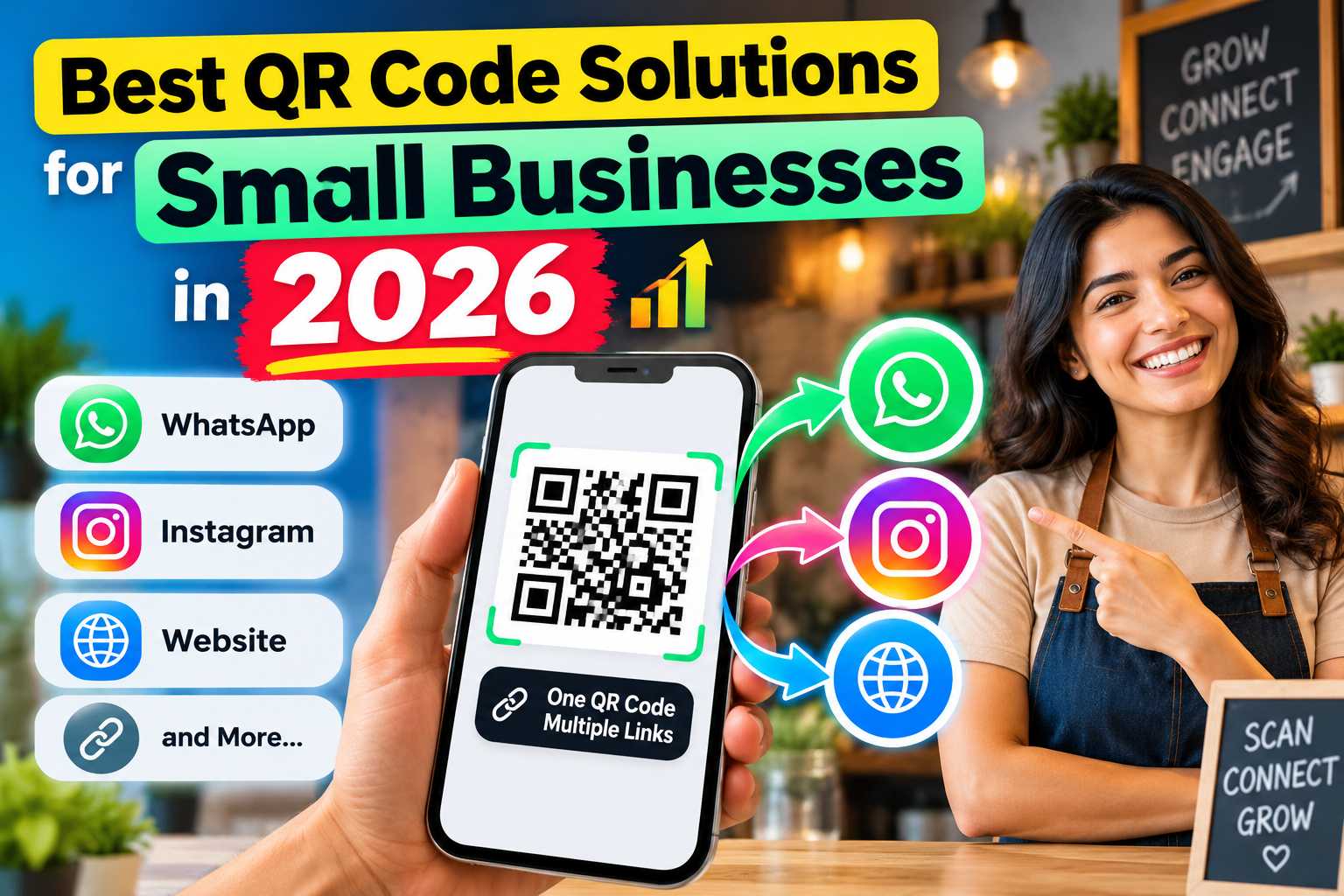
QR codes have become an important digital tool for small businesses in 2026 because they provide customers with faster access to contact information, WhatsApp, websites, social media, Google Reviews, locations, catalogues and payment options. Instead of displaying multiple links or asking customers to manually search for a business online, one smart QR code can create a simple connection between offline customers and digital business platforms.
The best QR code solution for a small business should offer more than a basic website redirect. Features such as editable links, multi-link profiles, QR scan analytics, WhatsApp enquiries, Google Review access, social media connections, product showcases and mobile-friendly digital profiles can help businesses improve customer engagement and make everyday marketing easier.
Best QR Code Solutions for Small Businesses in 2026
Small businesses are increasingly expected to provide customers with quick and convenient digital access. Customers may discover a company through a shop board, visiting card, brochure, product package, exhibition stall or social media promotion, but they often want additional information before deciding to contact or purchase from the business.
QR codes can connect these offline interactions with digital experiences. Instead of asking customers to manually enter a website address, search for an Instagram username or save a WhatsApp number, a business can allow customers to scan one QR code and reach the required information within seconds.
However, not every QR code solution offers the same capabilities. A basic static QR code may simply redirect customers to one fixed webpage, while a modern business QR solution can provide multiple links, editable information, customer interaction options and analytics.
What Makes a QR Code Solution Suitable for Small Businesses
The right QR code platform should solve practical business problems rather than simply generate a black-and-white QR image. Small businesses need a solution that remains useful when their contact information, social media accounts, promotions or business requirements change.
Important capabilities to look for include:
- One QR code for multiple business links
- Editable destination information
- WhatsApp and call buttons
- Website integration
- Instagram and social media links
- Google Maps location access
- Google Review links
- Digital contact saving
- Product or service showcase
- Lead generation options
- QR scan and engagement analytics
- Mobile-friendly profile pages
- Easy QR download and printing
- NFC support where required
Static QR Codes vs Smart QR Codes
A static QR code normally contains a fixed URL or piece of information. After it is printed, changing the destination generally requires creating and printing another QR code. This can work for permanent information but may be restrictive for businesses that frequently update their online details.
A smart or dynamic QR solution can provide greater flexibility. Depending on the platform, businesses may update the content or links behind the QR code without changing the physical QR image. This can reduce the need to reprint posters, cards, packaging or marketing materials whenever business information changes.
1. Multi-Link QR Code for Complete Business Sharing
One of the most useful QR code solutions for small businesses in 2026 is a multi-link business QR code. Instead of directing customers to only one website, the QR code can open a mobile-friendly digital profile containing several important actions.
Customers could scan once and then choose to visit the business website, start a WhatsApp conversation, follow Instagram, call the business, view its location or access other useful information.
This approach is particularly effective because different customers have different intentions. Someone ready to buy may immediately open WhatsApp, while another customer may first explore the company's website or Instagram profile.
Points
A multi-link QR profile can include:
- WhatsApp
- Phone number
- Business website
- Instagram
- Facebook
- YouTube
- LinkedIn
- Google Maps
- Google Reviews
- Product catalogue
- Email
- Enquiry forms
- Payment options
VCRDS, for example, currently provides a smart digital business profile capable of connecting WhatsApp, calls, social media, websites, Maps, product information, reviews and payment-related actions through a single QR-based profile. VCrds
2. WhatsApp QR Code for Customer Enquiries
WhatsApp is particularly valuable for small businesses that receive enquiries before completing a sale. Instead of asking a customer to type or save a mobile number, a QR-based WhatsApp connection can shorten the process and make it easier for customers to begin a conversation.
This can work well for service businesses, restaurants, retailers, consultants, repair services, real estate professionals, clinics, trainers and businesses that handle bookings or product enquiries.
How WhatsApp QR Codes Help Small Businesses
A customer seeing a product in a catalogue or advertisement may have a question about pricing, availability or specifications. Placing a QR code nearby can allow that person to move directly from viewing the promotion to contacting the business.
A WhatsApp connection can therefore support:
- Product enquiries
- Appointment requests
- Service enquiries
- Price enquiries
- Availability checks
- Customer support
- Quote requests
- Follow-up conversations
The fewer steps customers have to complete before contacting a business, the easier the interaction becomes.
3. Google Review QR Codes for Local Businesses
Customer reviews can play an important role in how people evaluate local businesses. Restaurants, salons, clinics, hotels, retailers, service centres and other businesses can make the review process easier by providing customers with a QR code that connects them to their Google Review destination.
Rather than asking a satisfied customer to search for the company manually, staff can provide a simple scan option after completing a service or purchase.
Where to Display a Google Review QR Code
Businesses can position review QR codes at natural customer touchpoints where the customer has already completed an interaction.
Good locations include:
- Billing counters
- Reception desks
- Restaurant tables
- Printed invoices
- Thank-you cards
- Packaging inserts
- Service completion documents
- Hotel reception areas
- Salon counters
- Clinic reception areas
The purpose should be to make leaving genuine customer feedback easier rather than forcing or manipulating customers into providing reviews.
4. Product Catalogue and Service QR Codes
Small businesses often have more products or services than they can display on a business card, poster or brochure. A QR code connected to a digital catalogue can provide customers with additional information without requiring large amounts of printed content.
Retailers can display products, while service businesses can present packages, photographs, descriptions or enquiry options. When the catalogue is linked to WhatsApp enquiries, customers can move from viewing a product to contacting the business more easily.
VCRDS currently includes product showcase functionality where businesses can display products or services and allow visitors to make enquiries through WhatsApp. VCrds
5. QR Codes for Digital Payments
Payment QR codes provide another practical application for businesses that accept digital transactions. A payment option can be useful at stores, service counters, events and other locations where customers need a quick way to complete a transaction.
For businesses using an integrated digital profile, payments can exist alongside other actions such as WhatsApp, websites, Maps and social media rather than requiring customers to access completely separate information.
VCRDS currently lists UPI payment functionality among its digital business card features, alongside its other customer connection tools. VCrds
6. QR Code Analytics for Better Marketing Decisions
For small businesses, simply distributing a QR code is not always enough. Knowing whether customers actually scan and interact with it can help the business understand which marketing materials are producing engagement.
QR analytics can provide useful information such as the number of scans, profile visits or link interactions, depending on the capabilities of the platform being used.
For example, a business could compare QR engagement from:
- Business cards
- Store posters
- Exhibition materials
- Product packaging
- Brochures
- Restaurant displays
- Offline advertisements
- Marketing campaigns
This information can help businesses identify which placements encourage stronger customer interaction.
VCRDS currently provides visitor analytics and tracking features designed to show QR scans, visits and link engagement. VCrds
7. QR Code With NFC Digital Business Cards
Businesses that frequently network face-to-face can combine QR technology with NFC. A digital business card can then be shared either by scanning the QR code or tapping an NFC-enabled card against a compatible smartphone.
This gives users two sharing methods instead of relying on only one. QR codes are useful because smartphone cameras can scan them easily, while NFC can provide a fast tap-based experience during meetings, exhibitions and networking events.
Benefits of Combining QR and NFC
QR and NFC can work together rather than competing with each other. QR provides visual scanning access, while NFC provides contactless tap-to-share functionality.
This combination can be useful for:
- Business owners
- Sales professionals
- Freelancers
- Consultants
- Real estate agents
- Insurance advisors
- Corporate teams
- Event exhibitors
- Trainers
- Service professionals
VCRDS currently supports QR sharing as well as NFC-based sharing from its digital business profile. VCrds
Important Features to Compare Before Choosing a QR Platform
The best QR code solution depends on what the business wants customers to do after scanning. A restaurant may prioritize menus, WhatsApp and reviews, while a consultant may need contact saving, LinkedIn and a portfolio. A retail store may place greater importance on product catalogues, Maps, WhatsApp and payment options.
Instead of choosing a QR generator based only on appearance, small businesses should compare the complete customer journey.
Points
Before selecting a QR code platform, check whether it provides:
- Editable business information
- Multiple links under one QR code
- WhatsApp integration
- Social media connections
- Website linking
- Google Maps integration
- Google Review access
- Scan analytics
- Product or service listings
- Contact-saving functionality
- QR code download
- Mobile optimization
- Branding customization
- NFC compatibility
- Simple profile management
Choose a QR Code That Can Grow With Your Business
A small business may initially need only a phone number, website and WhatsApp connection. As the business grows, it may later require Instagram, Google Reviews, product catalogues, additional branches, payment options or engagement tracking.
Choosing a flexible solution from the beginning can reduce the need to replace QR codes and printed marketing materials later.
The ideal approach is to use the QR code as a permanent digital entry point while keeping the information behind it easy to update.
Test the Customer Experience Before Printing
Every QR code should be tested before it is added to hundreds of visiting cards, labels, posters or brochures. Scan the code using both Android and iPhone devices where possible and confirm that important buttons are easy to find and use.
The digital page should load quickly, display correctly on mobile devices and clearly show what the customer can do next. WhatsApp, call, website and other important actions should not be hidden behind complicated navigation.
QR Code Ideas Based on Business Type
The same QR technology can be used differently depending on the industry. Small businesses can create a QR experience around the actions their customers are most likely to take.
Points
Restaurants and Cafes:
Use QR codes for menus, WhatsApp orders, Maps, Instagram, reviews and contact information.
Retail Stores:
Connect customers with catalogues, new products, WhatsApp enquiries, website pages, social media and reviews.
Salons and Beauty Businesses:
Provide appointment enquiries, Instagram portfolios, location details, customer reviews and contact options.
Hotels and Homestays:
Share booking information, location, WhatsApp, website, reviews and property details.
Clinics and Professionals:
Offer appointment contact details, Maps location, website information and digital contact saving.
Real Estate Agents:
Connect customers to property listings, WhatsApp, calls, websites, portfolios and contact details.
Freelancers and Consultants:
Create a professional digital profile containing a portfolio, LinkedIn, WhatsApp, email, website and contact information.
Home Service Businesses:
Help customers quickly access service information, call buttons, WhatsApp enquiries, location coverage and reviews.
Why Local Businesses Can Benefit From QR Codes
Local businesses often depend on customers moving between physical and digital interactions. Someone may notice a store while travelling, receive a business card from a friend or see a promotional poster before later searching online for more information.
A QR code reduces that gap by immediately directing the customer to relevant business information. Adding Maps, contact details, reviews, WhatsApp and website access can make the transition between offline discovery and online engagement easier.
This makes smart QR profiles particularly useful for businesses serving customers in cities such as Chennai, Puducherry, Bengaluru, Hyderabad, Mumbai, Delhi and other locations where mobile-first customer interactions are common.